Published 2026-03-03
How to Create an AI Instagram Model
Generate photorealistic model photos for Instagram — fashion, lifestyle, and portrait content — using Seedream 5's character consistency and high-resolution output.
Why AI Models Are Taking Over Instagram
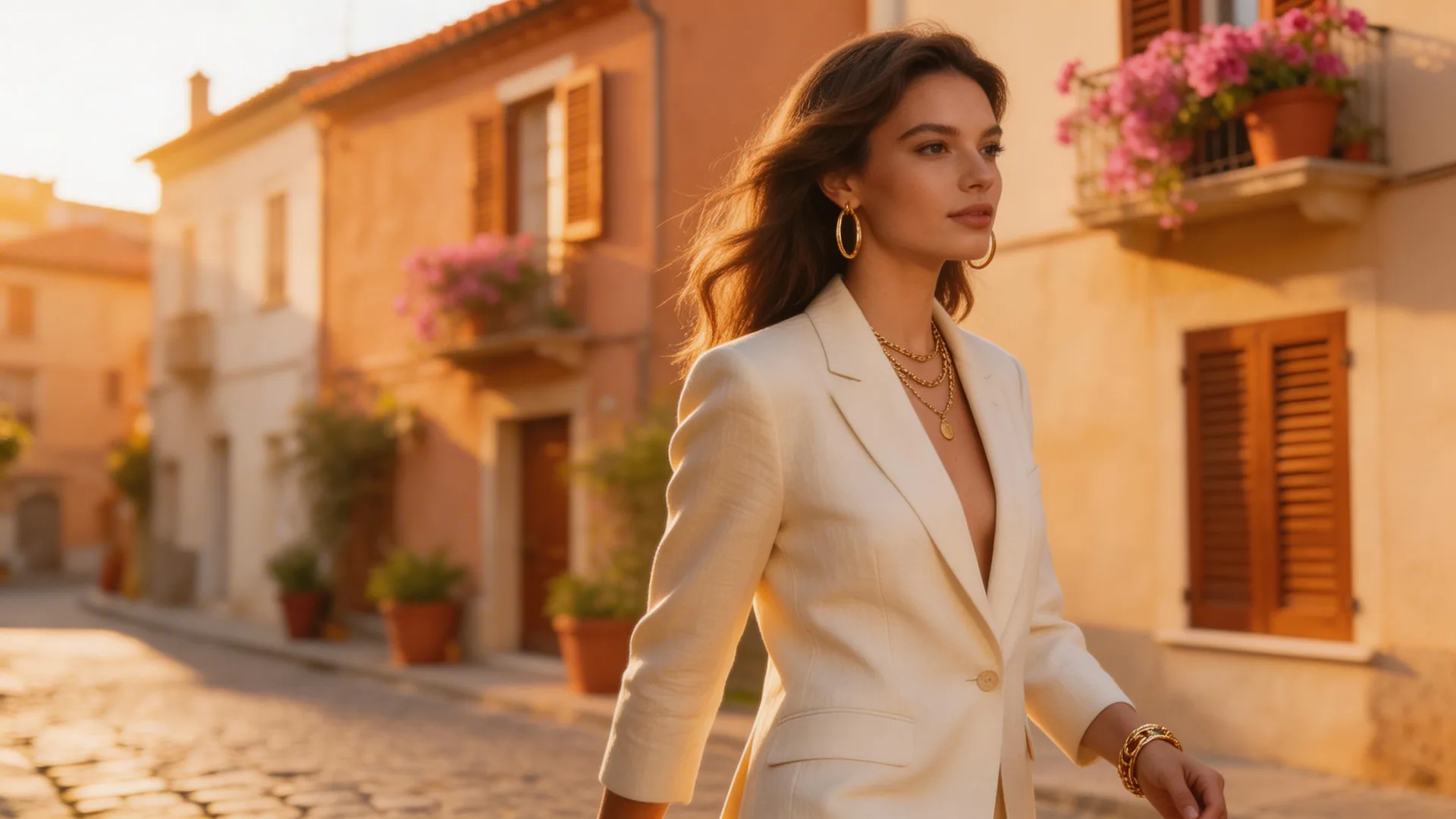
Virtual influencers like Lil Miquela and Aitana López have proven that AI-generated models can build massive followings. With Seedream 5, you don't need a 3D modeling team or months of iteration. The model's chain-of-thought reasoning understands fashion photography conventions — lighting, pose, composition — and its character consistency feature lets you maintain the same face across hundreds of posts. You can go from concept to a complete Instagram grid in a single afternoon.
Step 1: Define Your Model's Look
Start with a detailed text prompt describing your model's appearance. Be specific about ethnicity, age range, hair style, and overall aesthetic. For example: 'Professional fashion photo of a 25-year-old woman with shoulder-length dark hair, soft natural makeup, wearing a cream linen blazer, shot in golden hour lighting against a minimalist urban backdrop.' Seedream 5's reasoning engine interprets these details to produce consistent, high-quality results. Use 16:9 aspect ratio for landscape shots and 9:16 for Instagram Stories and Reels.
Step 2: Lock Character Identity with Reference Images
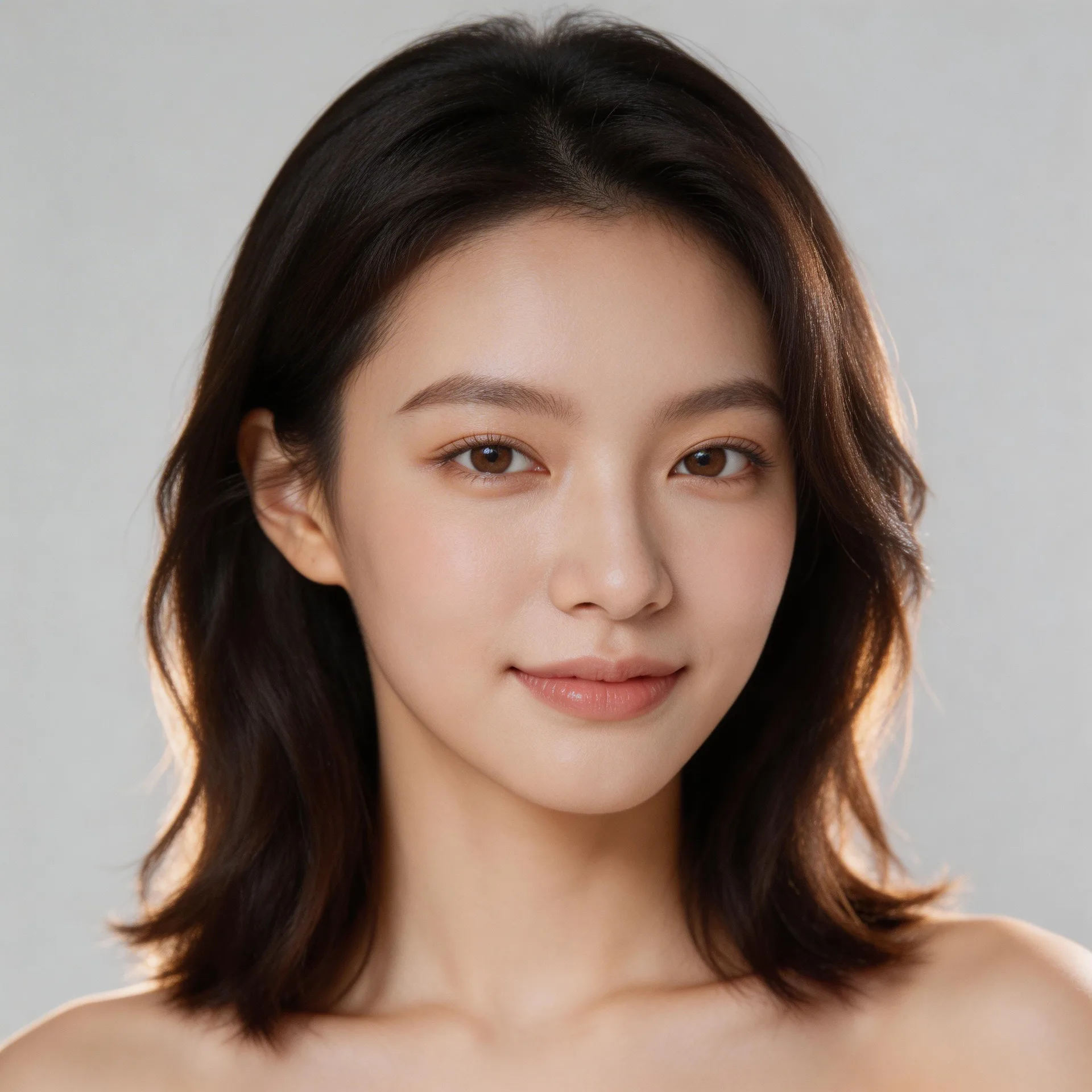
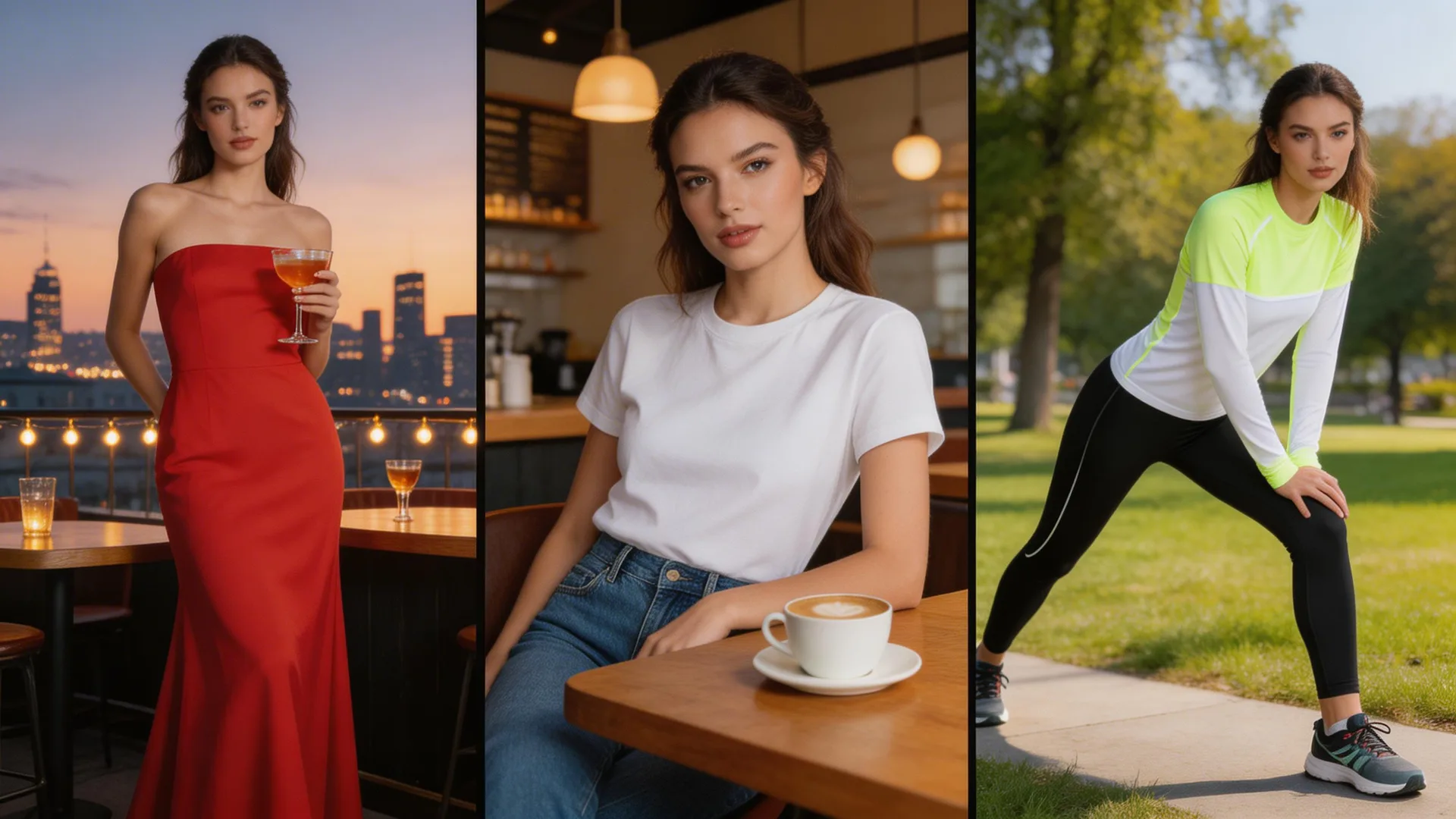
Once you have a base image you love, use it as a reference for all future generations. Seedream 5 supports up to 10 reference images for character consistency — it preserves facial features, proportions, and likeness across different scenes, outfits, and lighting conditions. Upload your best portrait as a reference, then generate variations: 'Same model wearing a red evening dress at a rooftop restaurant at sunset.' The model maintains identity while adapting the scene.
Step 3: Build a Content Calendar
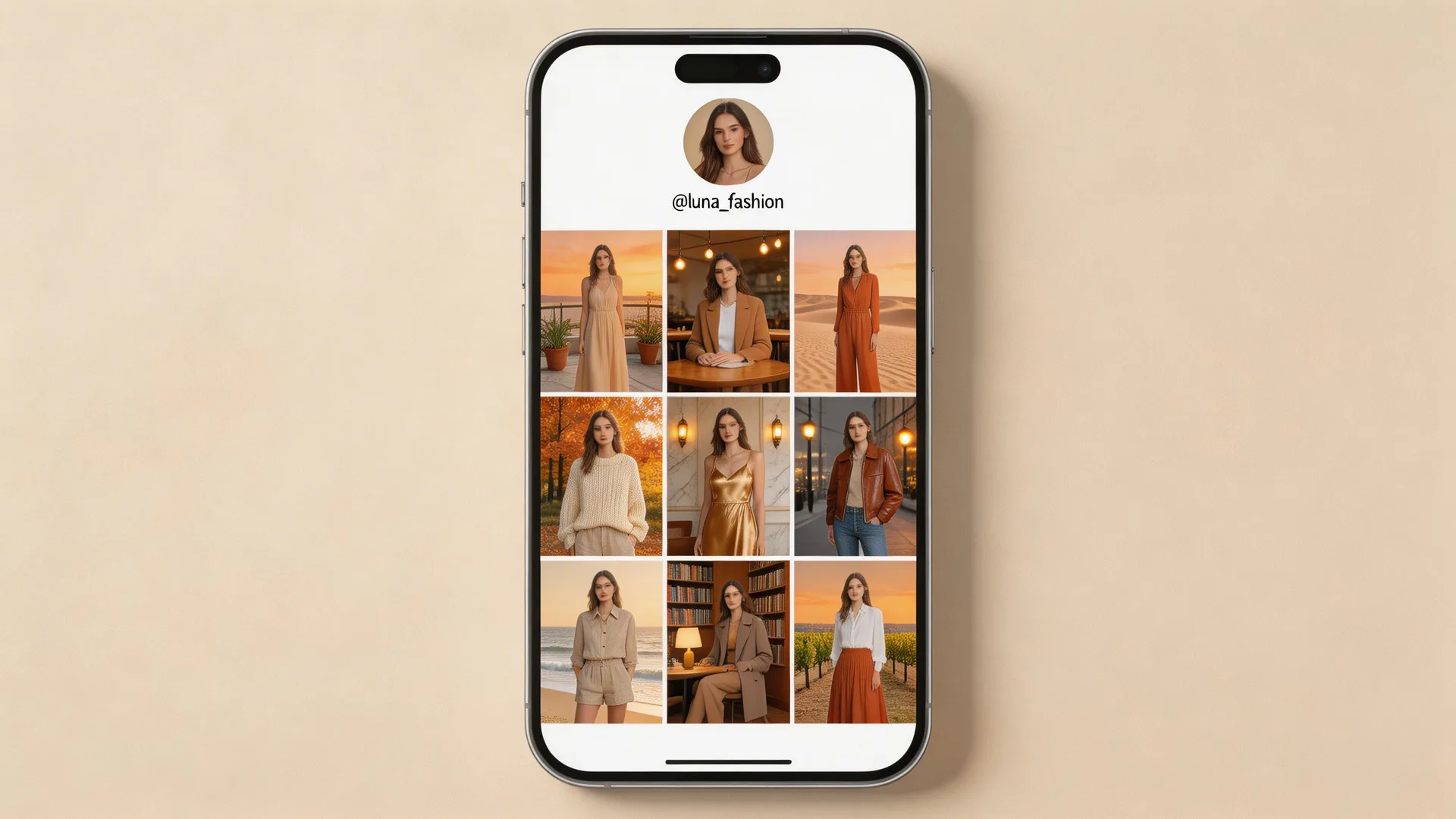
Generate a full week of content in one session. Mix formats: close-up portraits for feed posts, full-body lifestyle shots for carousels, and dynamic action poses for Reels covers. Use Seedream 5's style transfer to maintain a consistent visual aesthetic across all images — apply the same color grading, lighting mood, and composition style. This creates the cohesive grid aesthetic that top Instagram accounts are known for.
Pro Tips
- 1.Use the 9:16 aspect ratio for Stories and Reels content — Seedream 5 generates at 1728×3072 natively, no cropping needed.
- 2.Generate multiple outfits in the same location first, then multiple locations with the same outfit. This maximizes character consistency.
- 3.Add specific photography terms to your prompts: 'shot on 85mm lens, f/1.8, shallow depth of field' produces more realistic results.
Ready to try it yourself?
Start creating with Seedream 5. Get 75 free credits to begin — no credit card required.
Try creating your AI model