Publicado el 2026-03-03
Cómo crear un influencer con IA
Construye un personaje completo de influencer virtual — desde el diseño del personaje hasta el flujo de contenido — usando el bloqueo de personaje y la edición multironda de Seedream 5.
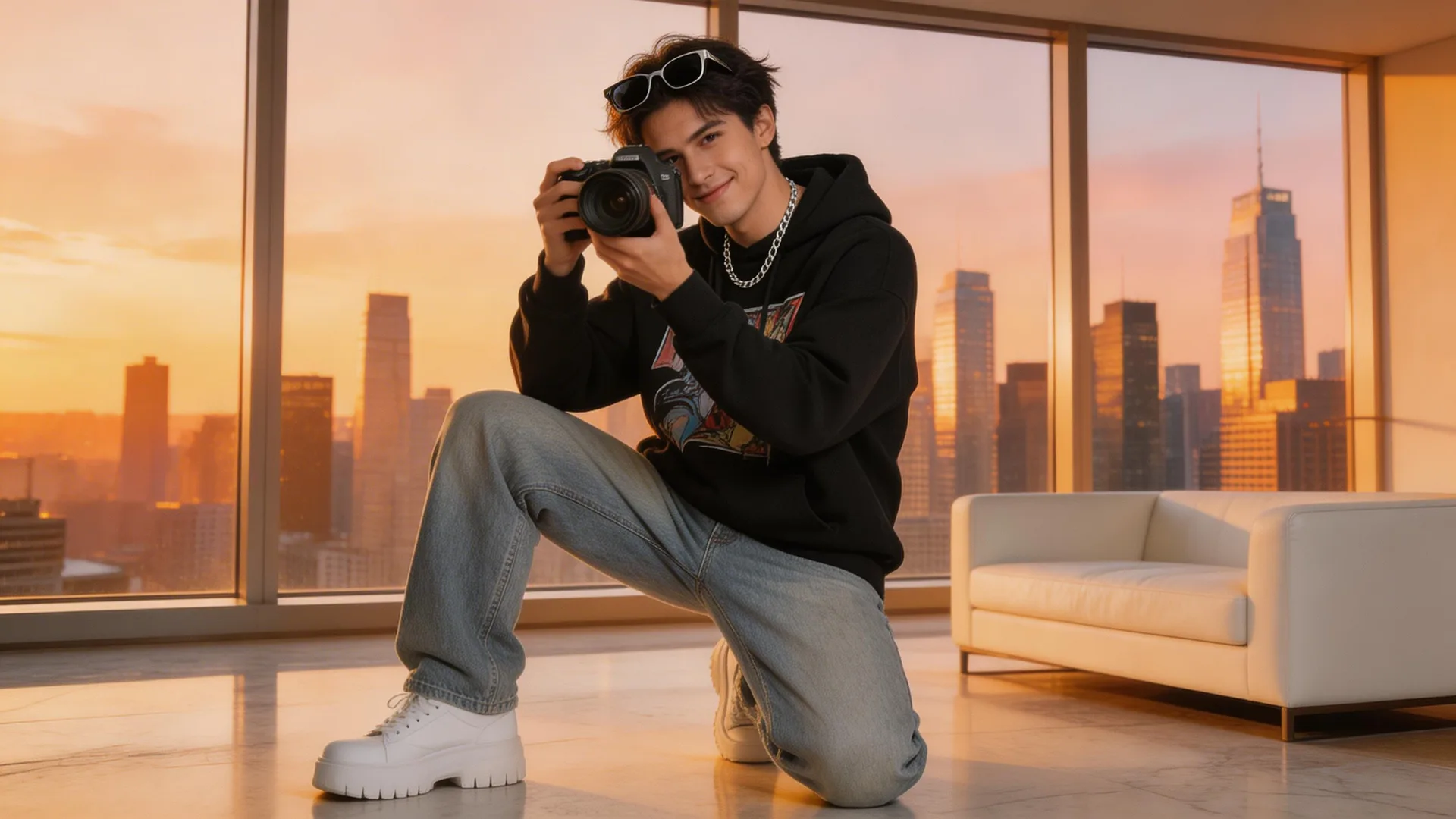
El auge de los influencers virtuales
Se proyecta que el mercado de influencers virtuales alcanzará los 37.800 millones de dólares para 2030. Las marcas se asocian cada vez más con personajes generados por IA porque ofrecen control creativo total, cero conflictos de agenda y alineación constante con la marca. A diferencia de las colaboraciones tradicionales con influencers, los influencers virtuales nunca tienen escándalos, nunca envejecen fuera de su grupo demográfico y pueden ser colocados en cualquier escenario o usando cualquier producto al instante. Seedream 5 hace que crear uno sea accesible para cualquiera, no solo para estudios con presupuestos de seis cifras.
Paso 1: Diseña tu personaje
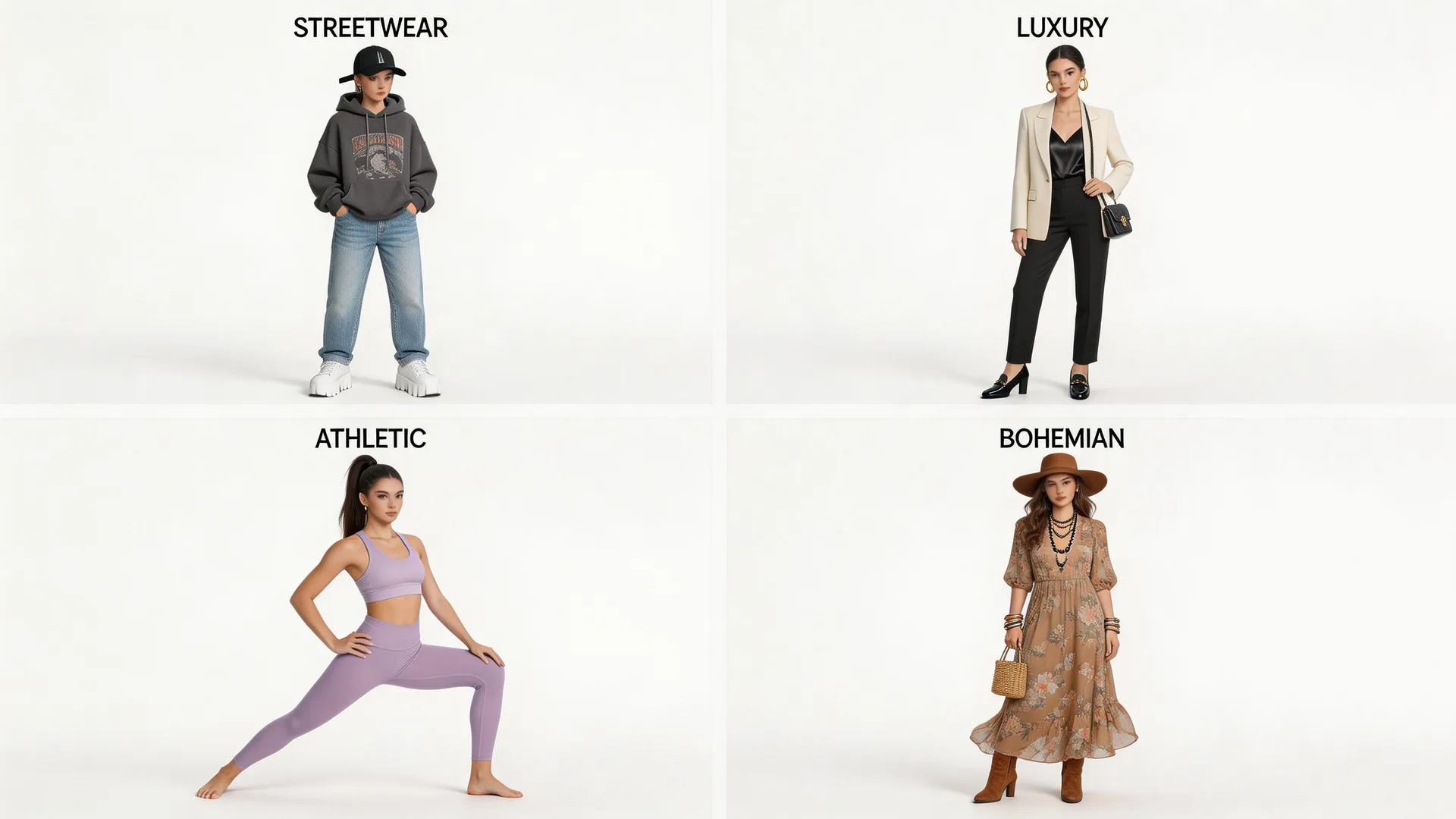
Tu influencer con IA necesita un aspecto distintivo y memorable. Comienza definiendo atributos clave: rango de edad, arquetipo de estilo (streetwear, lujo, deportivo, bohemio), elementos distintivos (siempre lleva joyería dorada, color de cabello característico, un tatuaje específico). Genera entre 10 y 20 retratos iniciales con distintos prompts hasta encontrar un aspecto que se sienta único y reconocible. La capacidad de renderizado de texto de Seedream 5 significa que incluso puedes incluir merchandising de marca con texto legible — logotipos en camisetas, texto en accesorios — que otras herramientas de IA arruinarían.
Paso 2: Crea una biblioteca de imágenes de referencia
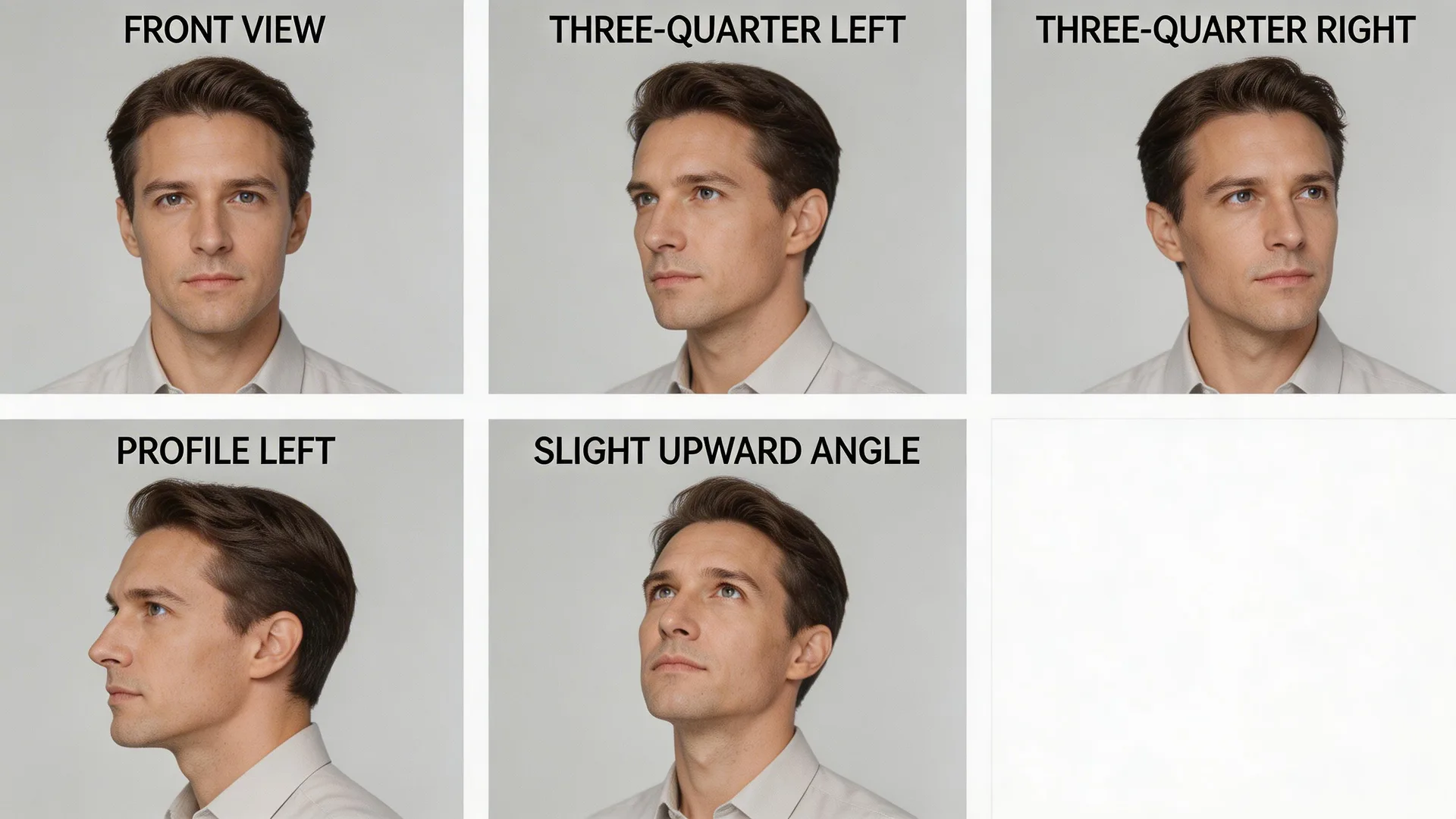
Una vez que hayas elegido tu personaje, genera una biblioteca de referencia de 5 a 10 imágenes definitivas que muestren el rostro desde diferentes ángulos y con diferente iluminación. Estas se convierten en tus referencias de bloqueo de personaje. Usa la edición conversacional multironda de Seedream 5 para refinar: comienza con un retrato base, luego ajusta iterativamente — 'mandíbula ligeramente más estrecha,' 'tono de piel más cálido,' 'añade pecas sutiles.' Cada refinamiento usa el resultado anterior como referencia, dándote un control preciso sobre el aspecto final.
Paso 3: Genera contenido a escala
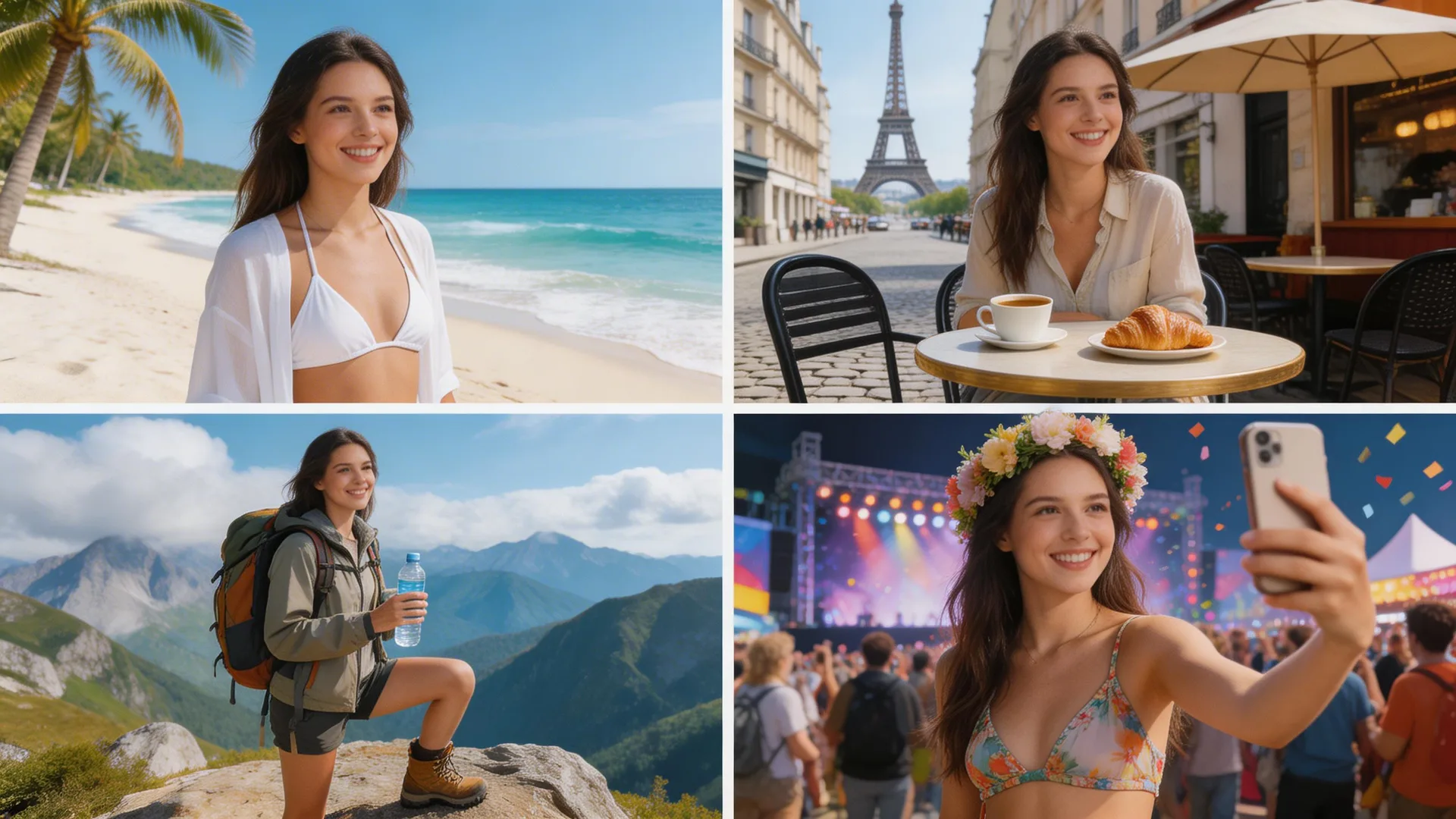
Con tu biblioteca de referencia establecida, puedes producir contenido a escala. Genera fotos de viaje, colocaciones de producto, contenido de estilo de vida detrás de cámaras y publicaciones del look del día — todo manteniendo una perfecta consistencia de personaje. La integración de búsqueda web de Seedream 5 significa que puedes hacer referencia a tendencias de moda actuales, ubicaciones reales y eventos culturales en tus prompts, manteniendo el contenido de tu influencer oportuno y relevante. Genera entre 20 y 30 imágenes por sesión, luego selecciona las mejores para tu calendario de contenido.
Paso 4: Adaptación de contenido multiplataforma
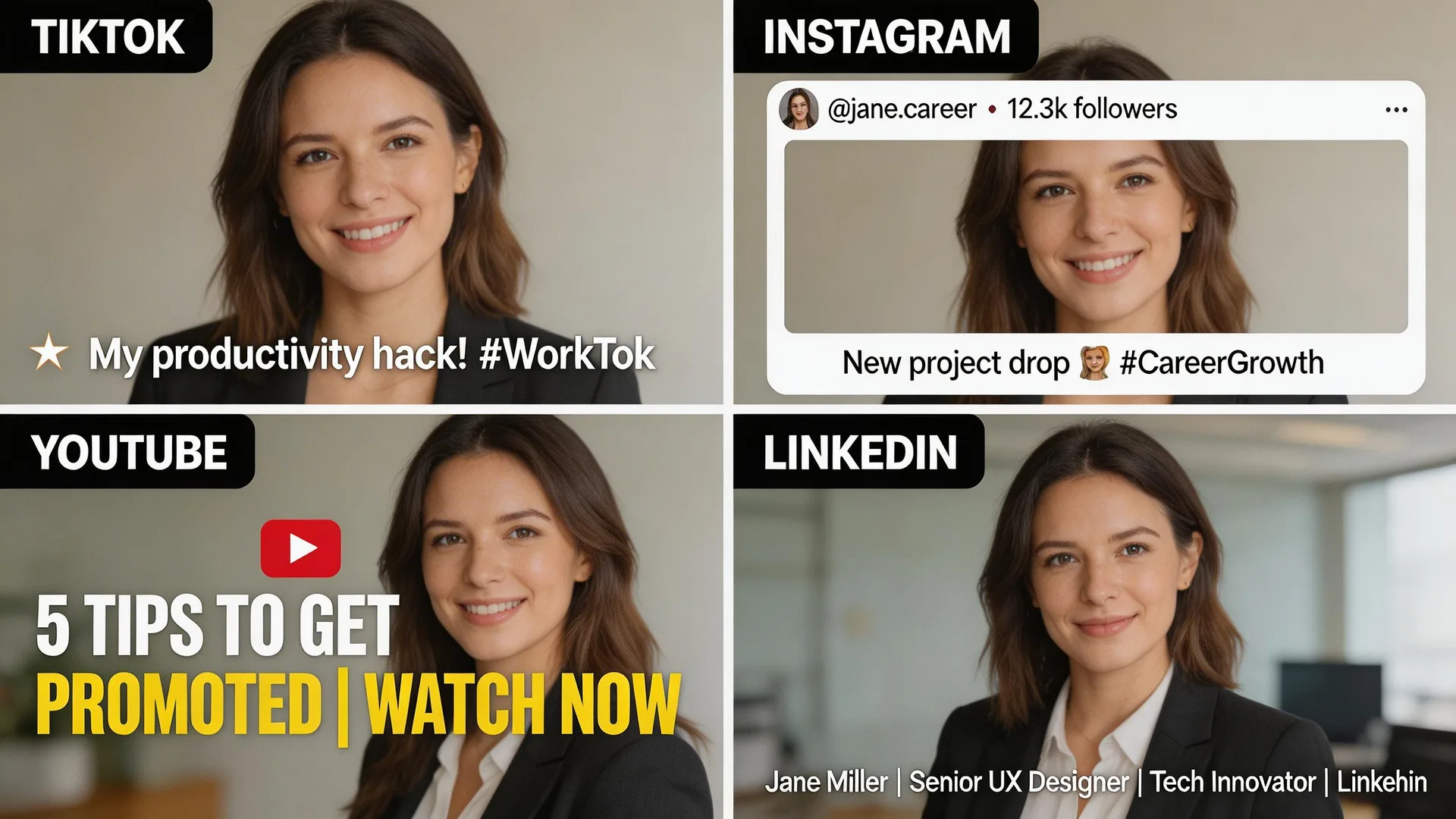
Las diferentes plataformas necesitan diferentes formatos. Usa las relaciones de aspecto flexibles de Seedream 5 para generar contenido optimizado por plataforma desde el mismo prompt: 1:1 cuadrado para la cuadrícula de Instagram, 9:16 para TikTok y Reels, 16:9 para miniaturas de YouTube y cabeceras de Twitter. El personaje se mantiene consistente en todas las relaciones de aspecto. Usa la transferencia de estilo para adaptar la misma escena a diferentes estéticas — cinemática para YouTube, vibrante para TikTok, pulida para LinkedIn.
Consejos profesionales
- 1.Dale a tu influencer con IA una 'firma' consistente — una paleta de colores específica, un accesorio o una pose que aparezca en cada imagen. Esto construye reconocimiento de marca.
- 2.Usa la edición de precisión de Seedream 5 para colocar a tu influencer con productos reales para maquetas de contenido patrocinado.
- 3.Genera contenido estacional por lotes — crea un mes completo de contenido festivo en una sesión mientras la estética está fresca en tu ingeniería de prompts.
¿Listo para probarlo tú mismo?
Empieza a crear con Seedream 5. Obtén 75 créditos gratis para comenzar.
Empieza a construir tu influencer con IA