Published 2026-03-03
The Complete Seedream 5 Family Guide
A current guide to three available Seedream workflows: structured design and revision, fast iteration, and an established general creative path.
Meet the current Seedream family
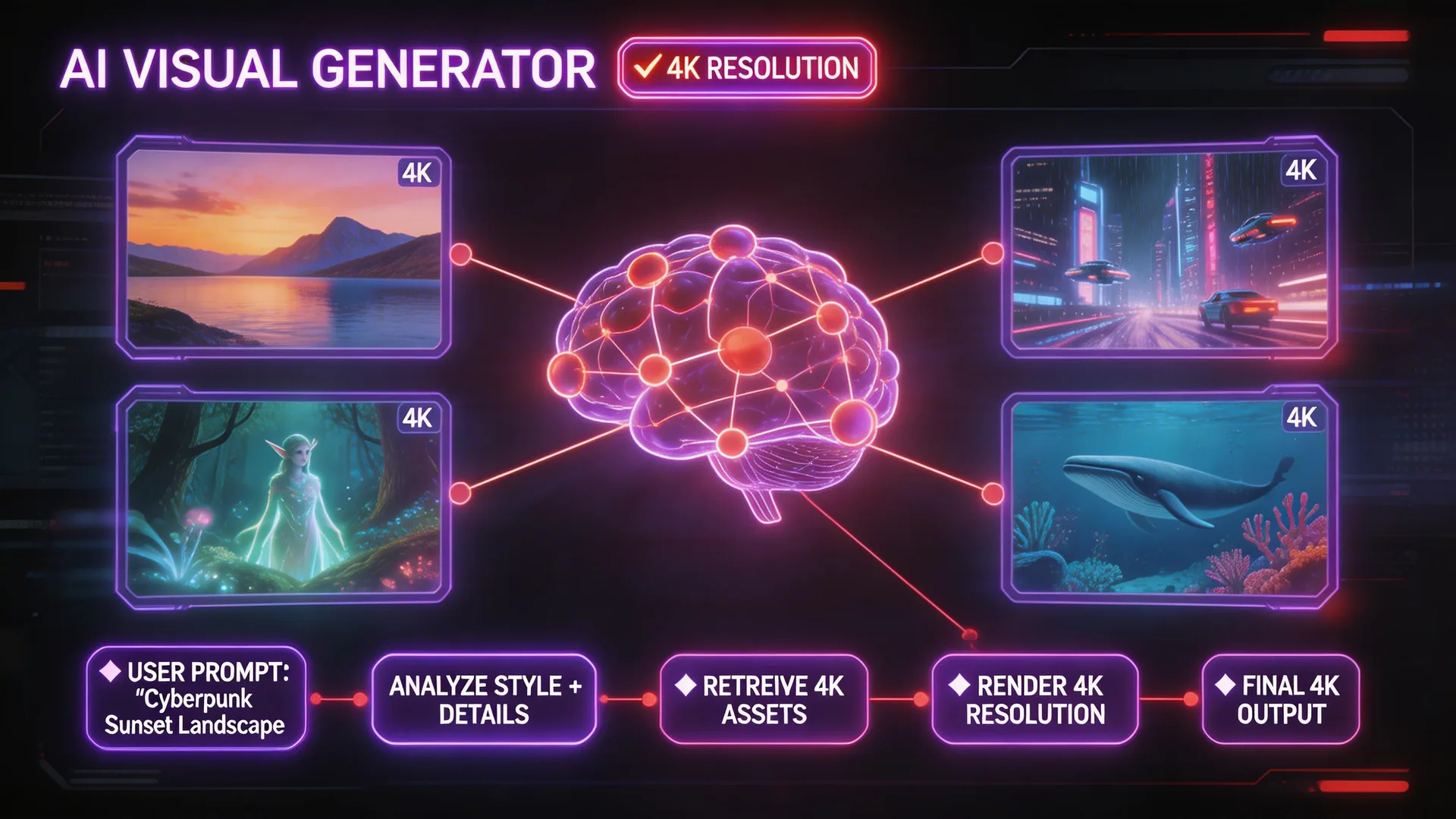
Seedream 5 Pro, Seedream 5 Lite, and Seedream 4.5 are all available creative workflows in Seedream Studio. Pro centers structured design and controlled revision, Lite centers rapid iteration and repeated production, and 4.5 remains an established path for general creative work. Start with the workflow your deliverable needs.
Choose the model before writing the final prompt
Define the deliverable, review criteria, and production cadence first. Then select the model whose workflow matches the brief and write the final prompt around that workflow. This keeps model choice tied to the job instead of to a generic ranking.

Use controlled editing and layer separation as a workflow
With Seedream 5 Pro, mark the intended change with a point, lasso, or sketch, describe one bounded revision, and inspect the result against the untouched context. Layer separation belongs to the same structured revision workflow. Record the prompt and selection boundary so the intent is reproducible.
Before

After

Treat multilingual text as proofing work
ByteDance describes in-image text support across 10+ languages for Seedream 5 Pro, but every delivered image still needs proofreading. Our related one-run test preserves the exact prompt and the visible Arabic and Hindi misses so you can see how output-level review works.

Choose against a real brief with the evidence pages
Use the focused Pro page for capability examples, the controlled Pro/Lite comparison for one identical-prompt layout case, and the multilingual test for a documented first result. Compare those pages with your subject, revision plan, and delivery criteria before choosing among Seedream 5 Pro, Seedream 5 Lite, and Seedream 4.5.

Pro Tips
- 1.Write the real delivery criteria before selecting a model.
- 2.Preserve exact prompts, outputs, and edit boundaries when a result becomes evidence.
- 3.Proofread multilingual artwork against approved source text before delivery.
Continue Reading
See How Seedream 5 Compares
compare_arrowsSeedream 5 Pro vs LiteReady to try it yourself?
Start creating with Seedream 5. Get 75 free credits to begin — no credit card required.
Choose your Seedream workflow