Published 2026-07-16
Can AI Write Chinese, Arabic, and Hindi Inside an Image?
One poster, six languages, one generation, no cherry-picked reruns.
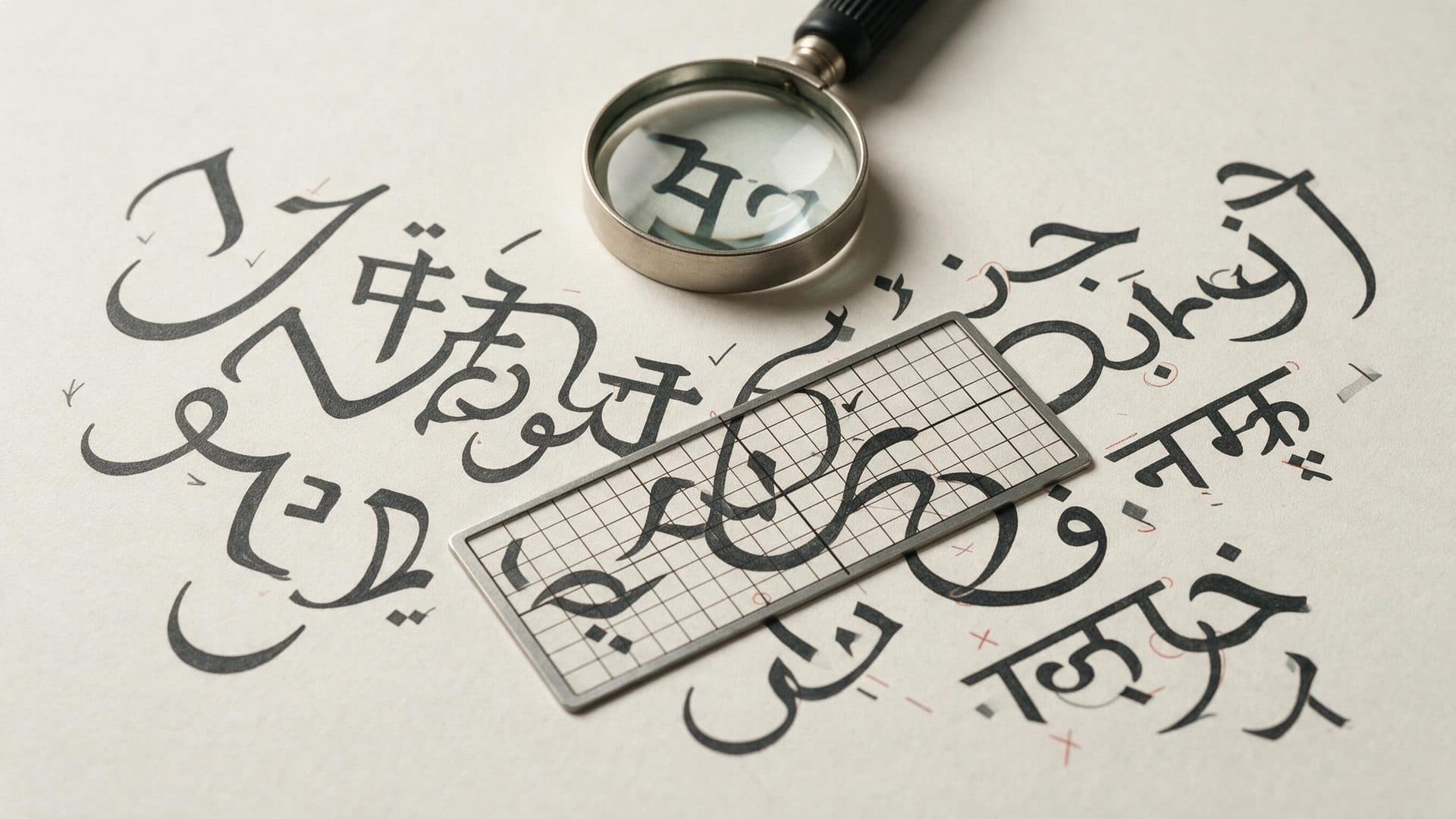
What ByteDance claims—and what we tested
ByteDance says Seedream 5 Pro supports in-image text across 10+ languages. On 2026-07-16, we tested that attributed claim only by generating one poster at 2048×2048; this is our observation, not confirmation of the full maker claim.
The exact one-run poster
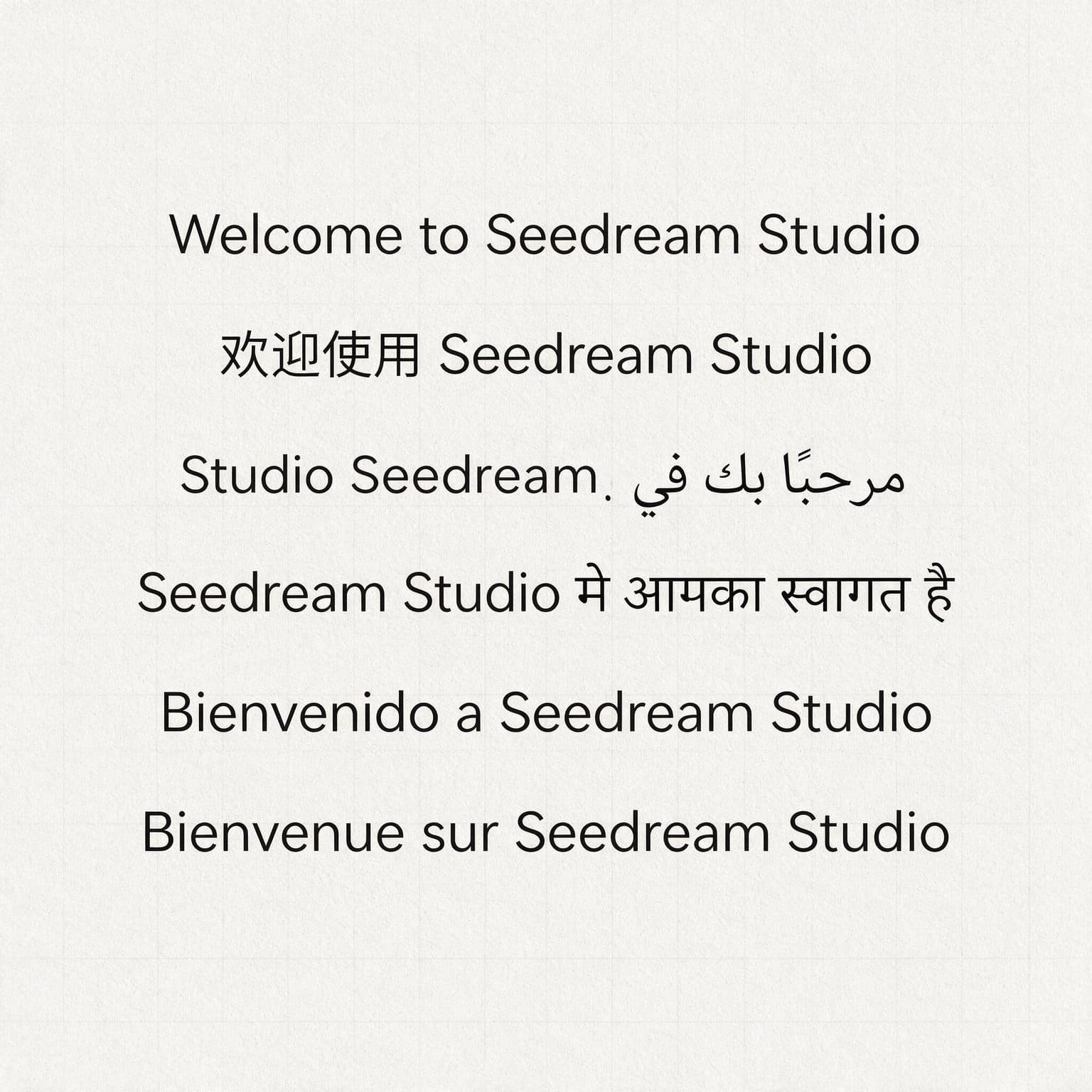
On 2026-07-16, we generated this poster once with Seedream 5 Pro at 2048×2048, then published the first output without quality-driven reruns. Its 6 intended lines were: English — “Welcome to Seedream Studio”; Simplified Chinese — “欢迎使用 Seedream Studio”; Arabic — “مرحباً بك في Seedream Studio”; Hindi — “Seedream Studio में आपका स्वागत है”; Spanish — “Bienvenido a Seedream Studio”; French — “Bienvenue sur Seedream Studio”.
Four exact, two flawed
4 of 6 lines were exact: English, Simplified Chinese, Spanish, and French. The Arabic native segment مرحباً بك في was joined and right-to-left, but the embedded Latin brand appeared visually as Studio Seedream with misplaced punctuation. Hindi rendered मे instead of में—the anusvara was missing—while the स्व conjunct remained legible.
Why “supports a language” is not “every line is correct”
This one-run result does not establish a universal language benchmark. Mixed-direction Arabic and Latin text can fail at script boundaries, while Devanagari combining marks can disappear even when nearby conjuncts remain legible. Both require proofreading at full size.
Practical publishing rule
Zoom in, compare every glyph against the source text, and obtain native review before publication. Treat generated text as draft artwork. Do not regenerate away a published test failure; a later output is a separate test, not a replacement for this evidence.
Pro Tips
- 1.Paste the approved source text beside the image and compare line by line.
- 2.Inspect punctuation where right-to-left and left-to-right scripts meet.
- 3.Zoom into Devanagari matras, anusvara marks, and conjuncts rather than judging the word silhouette.
- 4.Ask a native reviewer to approve final artwork; fluent-looking text is not enough.
Ready to try it yourself?
Start creating with Seedream 5. Get 75 free credits to begin — no credit card required.
Run your own documented text test