Publicado el 2026-03-06
IA para diseñadores de videojuegos
Acelera tu pipeline de arte para videojuegos — conceptos de personaje, arte de entornos, maquetas de interfaz y recursos de marketing — usando la consistencia de estilo y la salida de alta resolución de Seedream 5.
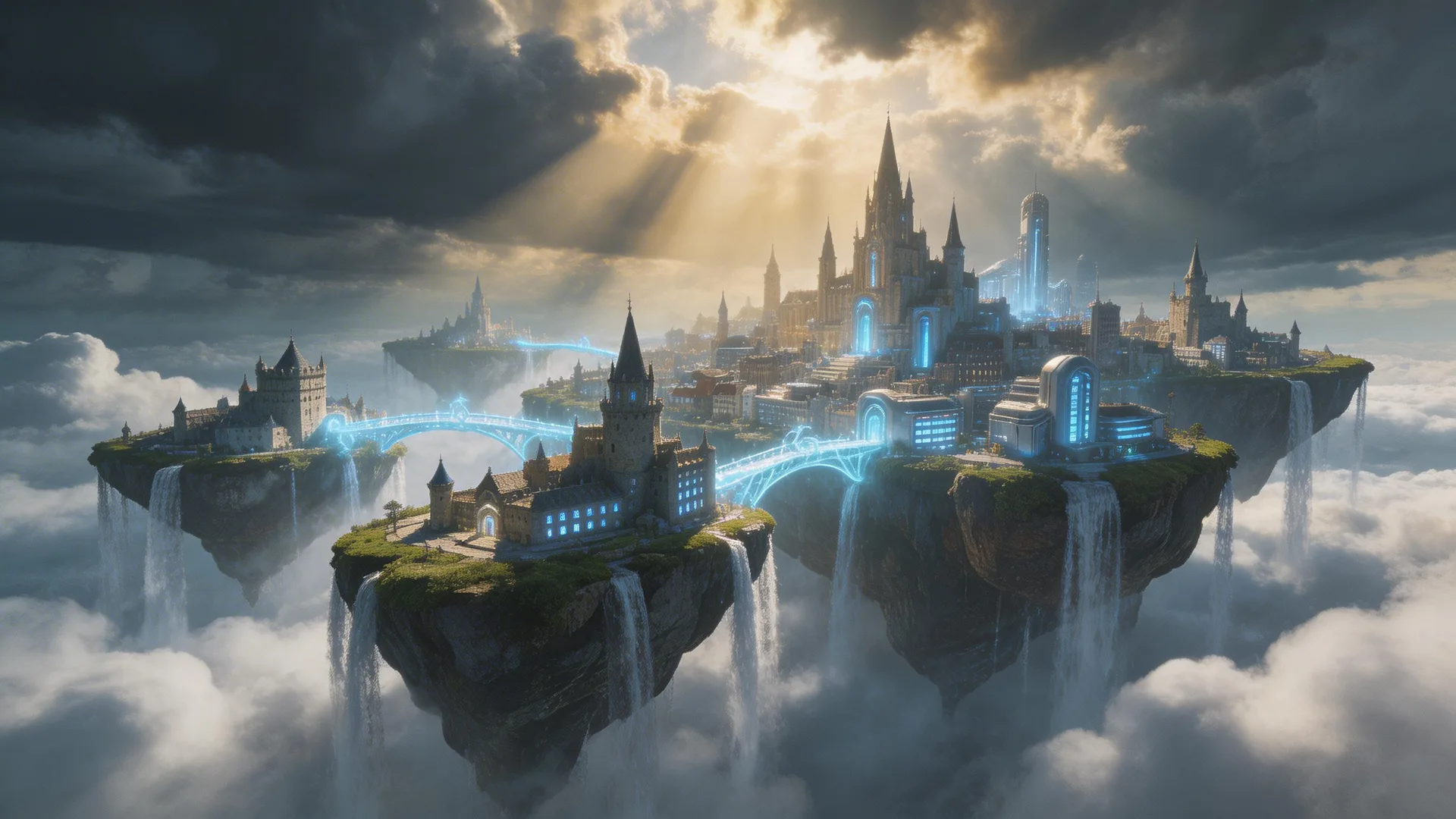
Cómo la IA está cambiando la producción de arte para videojuegos
Todo desarrollador indie de videojuegos conoce el cuello de botella: las ideas de jugabilidad y el código avanzan más rápido que la producción artística por órdenes de magnitud. Un desarrollador en solitario puede prototipar mecánicas en días, pero crear los recursos visuales para acompañarlas toma meses. Contratar artistas freelance cuesta $50-150+ por concepto de personaje, $200-500+ por pintura de entorno, y plazos que se miden en semanas. La generación de imágenes con IA no reemplaza a los artistas habilidosos — acelera la fase más temprana e iterativa de la producción artística: la exploración de conceptos. En lugar de encargar cinco conceptos de personaje y esperar dos semanas, genera cincuenta variaciones en una tarde. Explora direcciones visuales que serían demasiado costosas de probar de otra manera. Fija tu dirección artística con IA y luego entrega los conceptos pulidos a los artistas para los recursos finales de producción. La salida nativa de alta resolución, la consistencia de estilo y el bloqueo de personaje de Seedream 5 lo hacen especialmente adecuado para pipelines de arte de videojuegos.
Arte conceptual de personajes e iteración
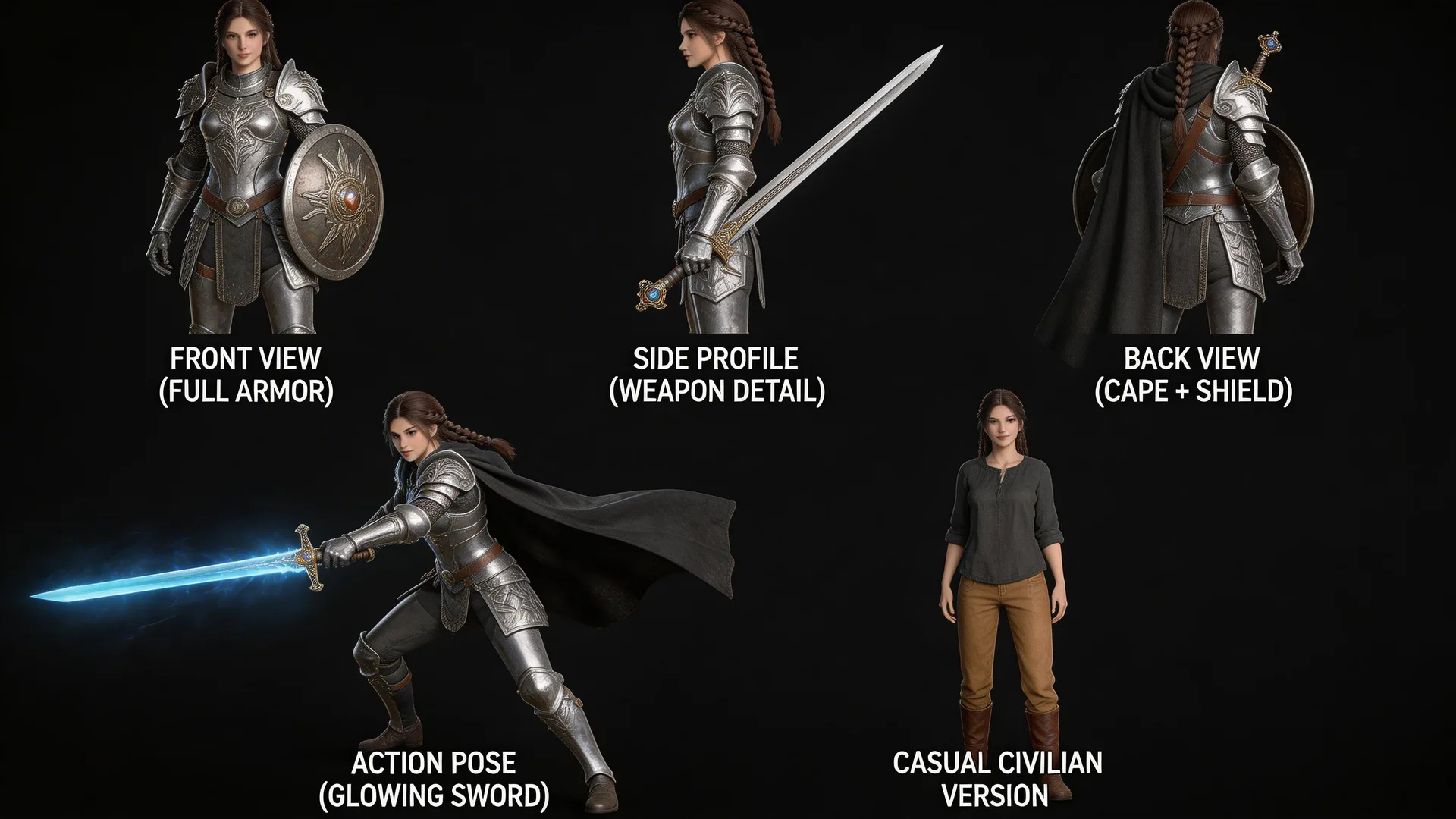
El diseño de personajes comienza con la exploración — y la IA hace que la exploración sea prácticamente gratuita. Describe el rol, la silueta, el equipamiento y la estética de tu personaje, y luego genera docenas de variaciones. 'Una guerrera con armadura de placas plateada ornamentada y una espada encantada brillante, estética de fantasía oscura, diseño detallado de arma y armadura.' Itera ajustando un elemento a la vez: cambia la espada por un hacha, cambia el estilo de armadura de placas a cuero, prueba diferentes paletas de colores. Una vez que encuentres un diseño que te encante, usa la consistencia de personaje de Seedream 5 para generar una hoja de rotación — el mismo personaje desde la vista frontal, lateral, trasera y tres cuartos. Esto le da a tu modelador 3D o artista de sprites exactamente lo que necesita para construir el recurso de producción, con proporciones y detalles consistentes en cada vista.
Entornos y construcción de mundos
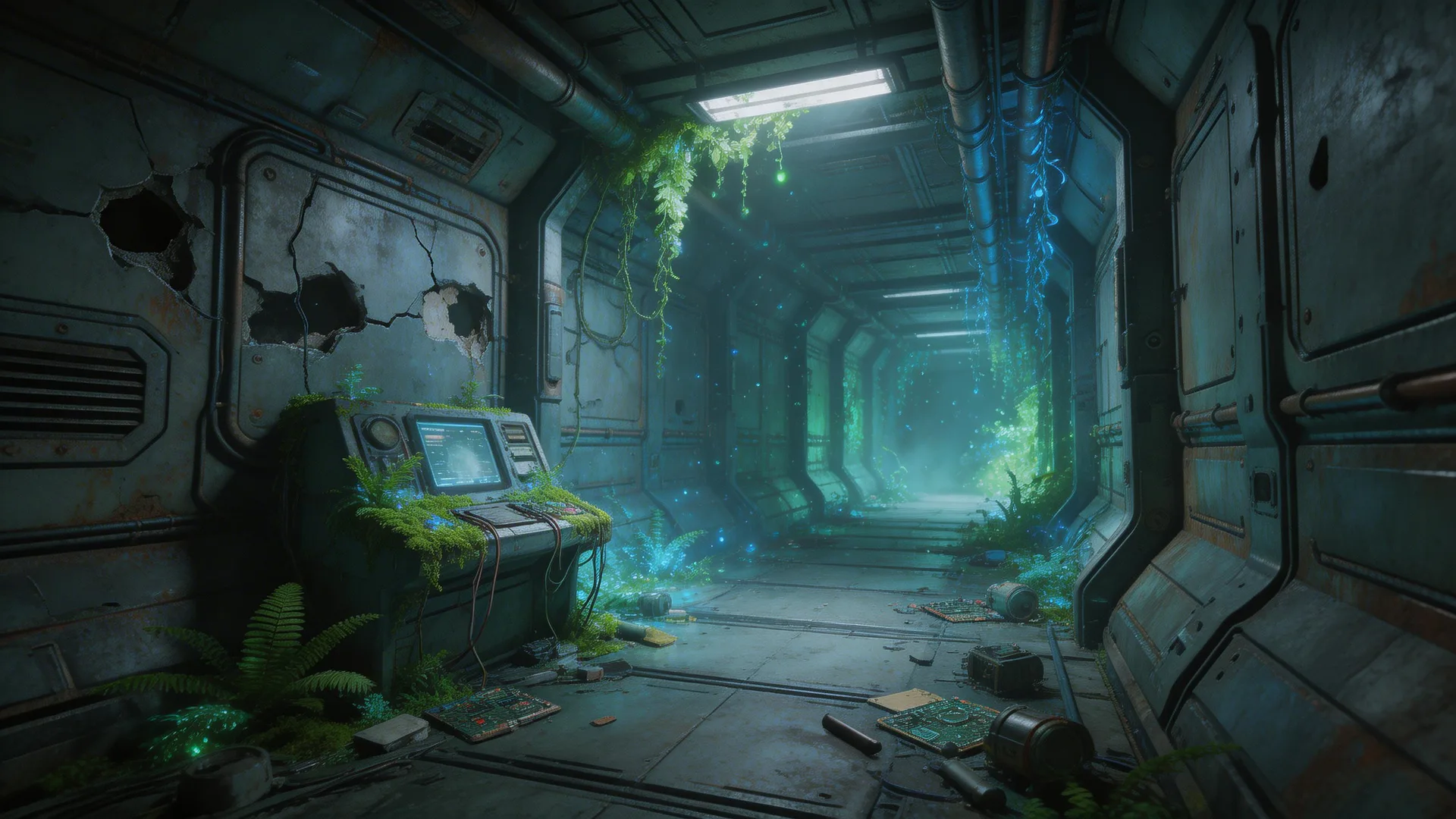
Los entornos establecen el ambiente de todo tu juego, y definir la dirección artística correcta desde el principio ahorra un retrabajo enorme más adelante. Usa Seedream 5 para explorar rápidamente biomas, estilos arquitectónicos y ambientes atmosféricos. Genera un bosque denso, luego el mismo bosque en diferentes momentos del día — neblina del amanecer, sol intenso del mediodía, atardecer dorado, luz de luna inquietante. Prueba diferentes estilos artísticos: pictórico, cel-shaded, fotorrealista, pixel art escalado. La ventaja clave es la consistencia de estilo — una vez que encuentres una dirección artística que funcione, descríbela como parte de tu prompt plantilla y aplícala a cada entorno de tu juego. 'Interior de estación espacial abandonada, vegetación alienígena exuberante, plantas bioluminiscentes que emiten luz verde y azul, niebla atmosférica, estilo de arte conceptual con iluminación fotorrealista.' Palabras clave de estilo consistentes producen un mundo cohesivo.
Maquetas de interfaz y recursos de marketing
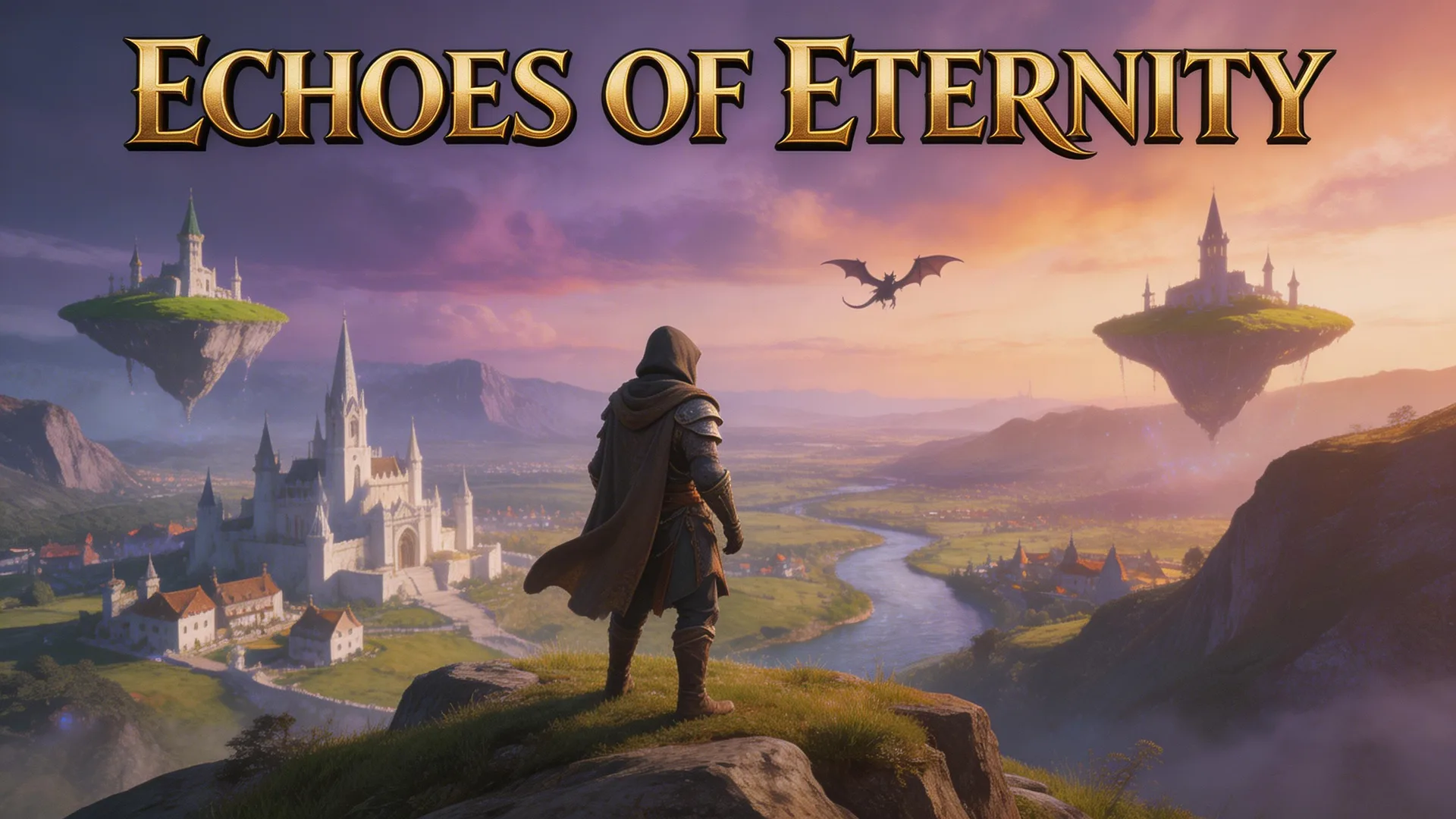
Antes de que tu juego se lance, necesitas recursos para la página de la tienda, imágenes promocionales para redes sociales y visuales para el pitch deck. La capacidad de renderizado de texto de Seedream 5 es un factor diferencial aquí — genera texto legible con alta precisión, algo que la mayoría de las herramientas de IA no pueden hacer. Genera una imagen principal para la página de Steam: 'Una imagen pulida de portada de juego con el texto "Ecos de la Eternidad" en tipografía de fantasía en negrita, un aventurero contemplando un vasto reino mágico con islas flotantes y la silueta de un dragón.' El título se renderiza limpio y legible. Genera capturas de pantalla promocionales, banners para redes sociales e imágenes para kit de prensa — todo manteniendo el estilo visual de tu juego. Para pitch decks y presentaciones a inversores, el arte conceptual y las maquetas de aspecto profesional demuestran tu visión de forma mucho más efectiva que arte provisional o tableros de inspiración.
Consejos profesionales
- 1.Usa palabras clave de estilo artístico de forma consistente en todos los prompts para cohesión visual: 'cel-shaded,' 'pintura al óleo pictórica,' 'pixel art escalado 4x,' 'low-poly con sombreado plano,' o 'fotorrealista con iluminación dramática.' Elige uno y mantenlo para todo tu proyecto.
- 2.Genera primero una 'imagen de referencia de estilo' — una imagen que capture perfectamente tu dirección artística deseada. Luego referencia sus cualidades visuales específicas (paleta de colores, iluminación, nivel de detalle de textura) en todos los prompts posteriores para mantener la consistencia.
- 3.Genera variaciones de recursos por lotes para game jams y prototipos. Genera 20 conceptos de personaje, 10 pinturas de entorno y 5 maquetas de interfaz en una sola sesión. Esto te da una rica biblioteca visual de la cual extraer a medida que avanza el desarrollo.
¿Listo para probarlo tú mismo?
Empieza a crear con Seedream 5. Obtén 75 créditos gratis para comenzar.
Empieza a crear arte para videojuegos