Publié le 2026-03-03
Comment créer du contenu AI pour TikTok
Générez du contenu visuel captivant pour TikTok — images tendance, séquences narratives et miniatures accrocheuses — avec Seedream 5.
Pourquoi le contenu visuel AI domine TikTok
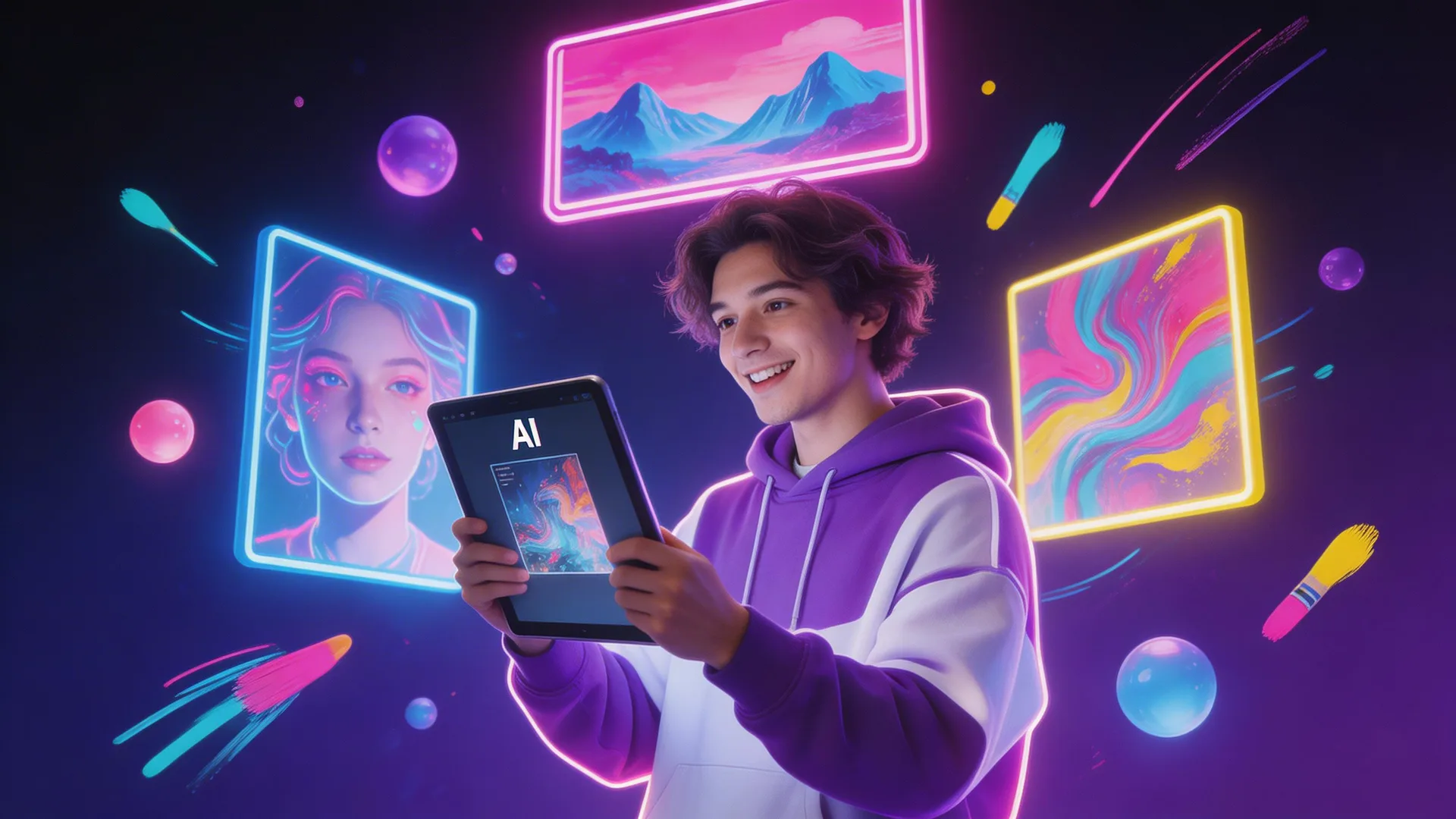
L'algorithme de TikTok récompense le contenu visuellement saisissant. Les images générées par AI surpassent systématiquement les photos de banque d'images car elles sont nouvelles, accrocheuses et parfaitement adaptées à votre niche. Les créateurs utilisant des visuels AI rapportent des taux d'engagement 2 à 5 fois supérieurs. L'intégration de la recherche web de Seedream 5 est particulièrement puissante ici — elle peut référencer les tendances, mèmes et moments culturels actuels de TikTok en temps réel, gardant votre contenu pertinent par rapport à ce qui est tendance en ce moment.
Étape 1 : Générer des images d'accroche prêtes pour les tendances
La première image détermine si quelqu'un arrête de défiler. Générez des images d'accroche captivantes au format 9:16 (1728×3072 natif sur Seedream 5). Utilisez des compositions audacieuses à fort contraste : éclairage dramatique, perspectives inhabituelles, couleurs vives. Le rendu de texte de Seedream 5 vous permet de générer des images avec des superpositions de texte lisibles — « Vous n'allez pas y croire » ou « POV : Votre routine matinale » — directement dans l'image avec une haute précision, sans étape d'édition de texte séparée.

Étape 2 : Créer des séquences narratives
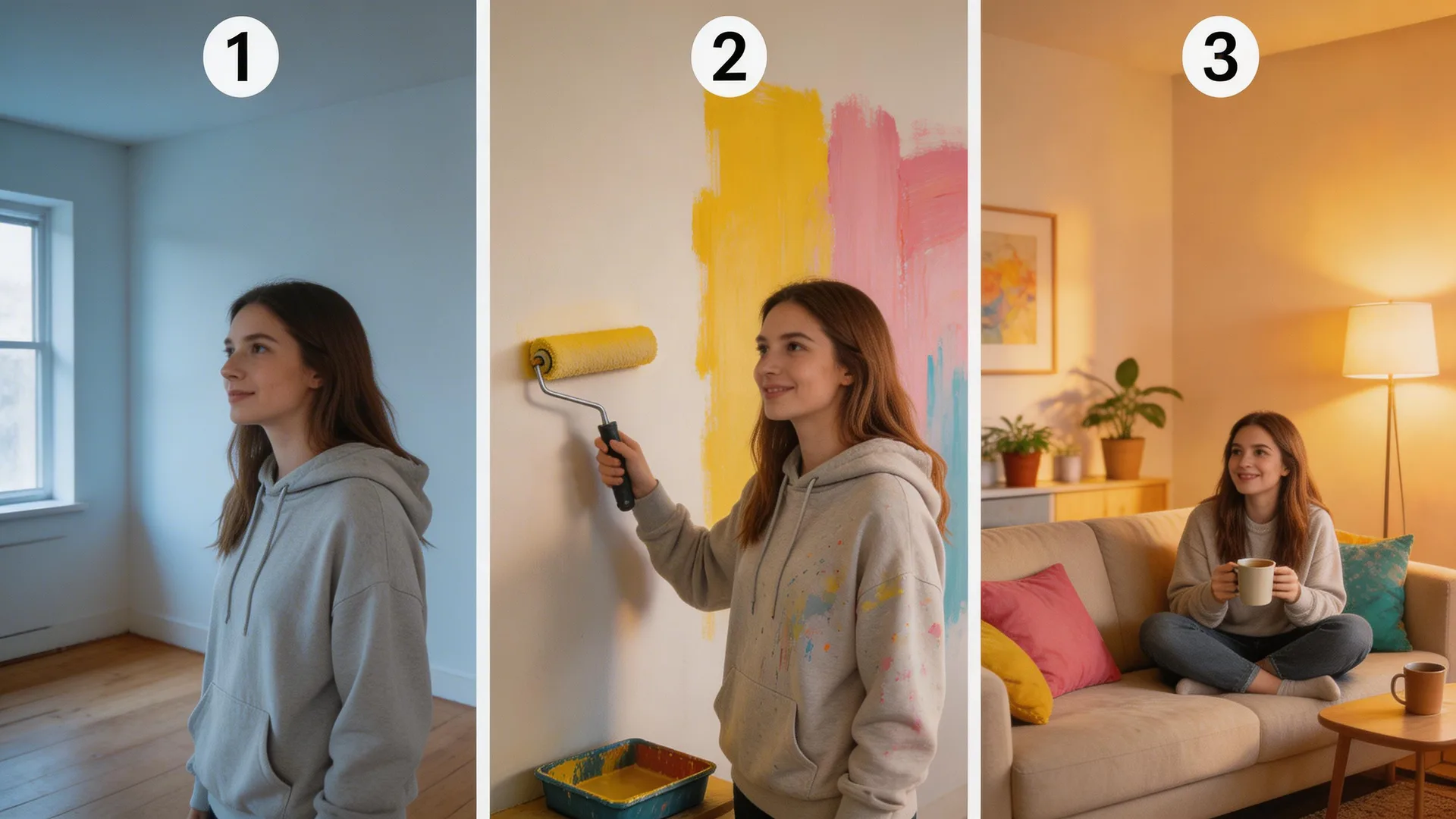
Construisez du contenu narratif avec la génération séquentielle d'images. Utilisez la cohérence des personnages de Seedream 5 pour créer une histoire visuelle : même personnage, scènes progressives. « Image 1 : Femme regardant un appartement vide. Image 2 : Même femme peignant les murs. Image 3 : Même femme assise dans une pièce magnifiquement décorée. » Chaque image maintient l'identité du personnage tout en faisant avancer l'histoire. Ce format génère des taux de complétion et d'enregistrements élevés — les spectateurs veulent voir comment l'histoire se termine.
Étape 3 : Créer en lot pour les tendances
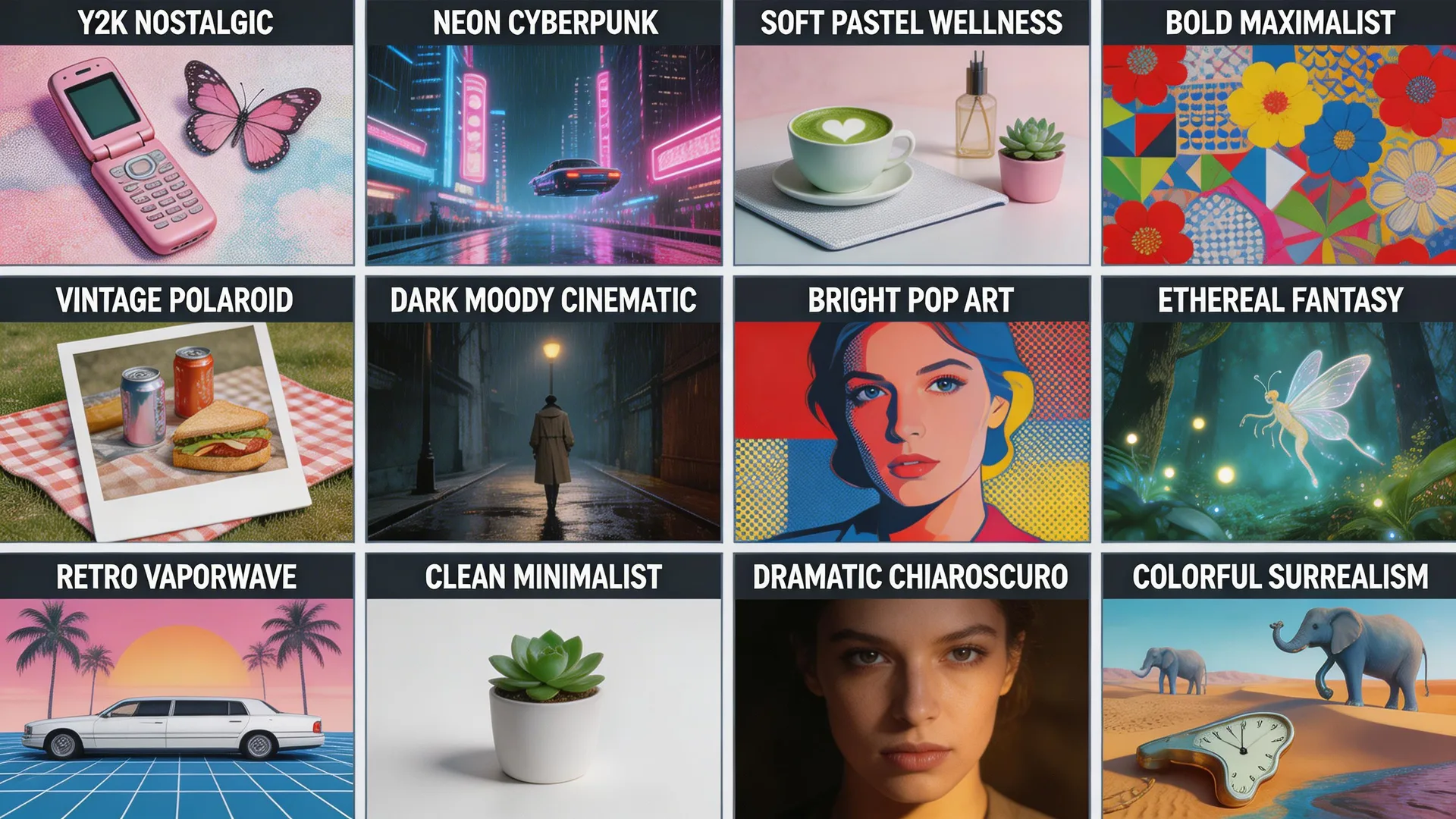
Quand une tendance apparaît, la vitesse compte. Seedream 5 génère des images en quelques secondes — vous pouvez créer plus de 20 variations adaptées aux tendances en quelques minutes, pas en heures. Repérez un format tendance (« mettez une version miniature de vous-même dans différents scénarios »), générez un lot immédiatement. Utilisez le transfert de style pour correspondre à l'esthétique de la tendance — grain de film nostalgique pour les tendances Y2K, néon cyberpunk pour le contenu tech, pastel doux pour les niches bien-être. Être en avance sur une tendance avec des visuels de haute qualité démultiplie votre portée.
Astuces de pro
- 1.Générez toujours en 9:16 (portrait) — le format natif 1728×3072 de Seedream 5 remplit l'intégralité de l'écran TikTok sans perte de qualité.
- 2.Utilisez le rendu de texte de Seedream 5 pour les accroches texte-sur-image. Prompt : « Texte blanc en gras disant [VOTRE ACCROCHE] sur un(e) [SCÈNE] dramatique » — le texte sera lisible, ce avec quoi d'autres outils AI peinent.
- 3.Créez un prompt modèle pour votre niche et ne changez que les éléments spécifiques à la tendance. Cela maintient votre identité visuelle tout en restant actuel.
Prêt à essayer par vous-même ?
Commencez à créer avec Seedream 5. Recevez 75 crédits gratuits pour débuter.
Créez vos visuels TikTok