Published 2026-03-03

AI Product Photography

Generate studio-quality product photos without a studio. E-commerce listings, social media ads, and catalog images — all created with Seedream 5.

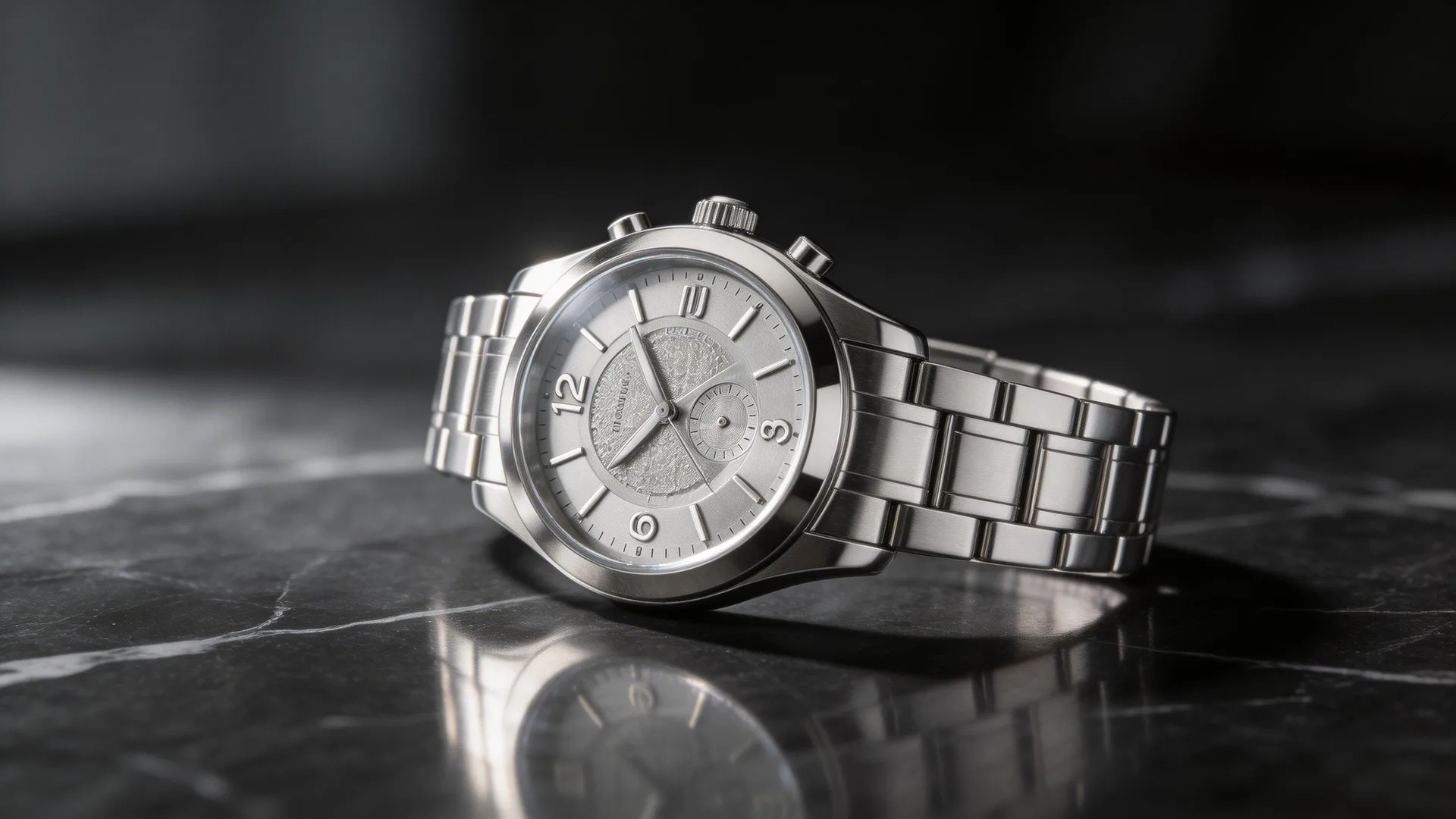
AI-generated product photography of a luxury watch on marble surface

Why AI Is Replacing Traditional Product Photography

A single professional product photoshoot costs $500–5,000+ for lighting, a photographer, styling, and post-production. For e-commerce brands managing hundreds of SKUs, this doesn't scale. Seedream 5 generates high-resolution product images in seconds — photorealistic lighting, accurate material rendering, and professional composition. The chain-of-thought reasoning understands how light interacts with glass, metal, fabric, and liquid, producing images that look like they came from a professional studio.

Step 1: Photograph Your Product Simply

Take a basic photo of your product on a white or neutral background using your phone. It doesn't need to be perfect — just clear and well-lit. This becomes your reference image for Seedream 5's image editing mode. The AI will handle the rest: professional lighting, environment, styling, and composition. For products you don't physically have yet (pre-launch, concept validation), use text-to-image mode with a detailed description of the product's shape, material, and color.

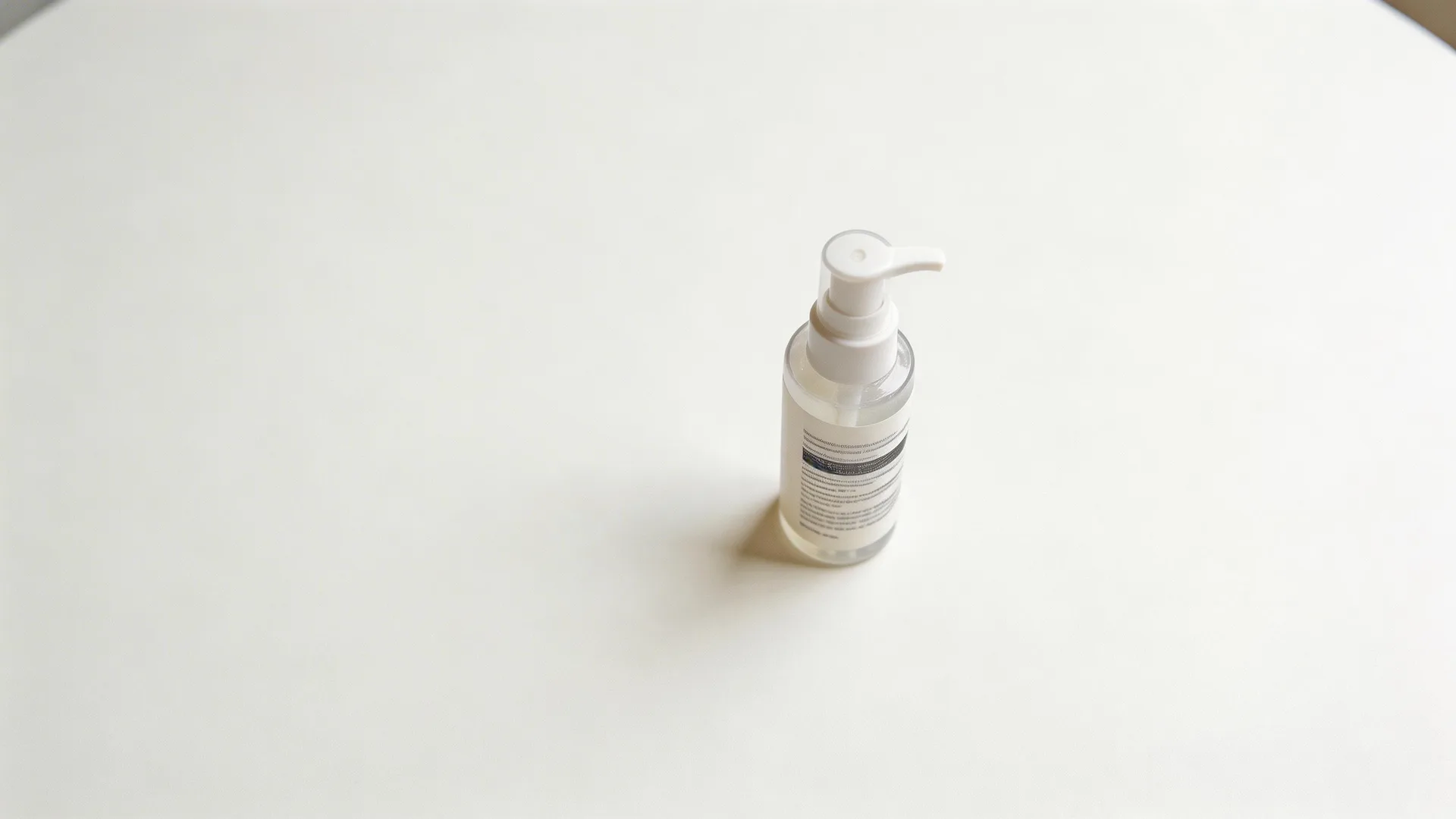
Before

Basic phone photo of skincare bottle before Seedream 5 editing

After

Professional product shot enhanced by Seedream 5 from a basic phone photo

Step 2: Generate Lifestyle Context Shots

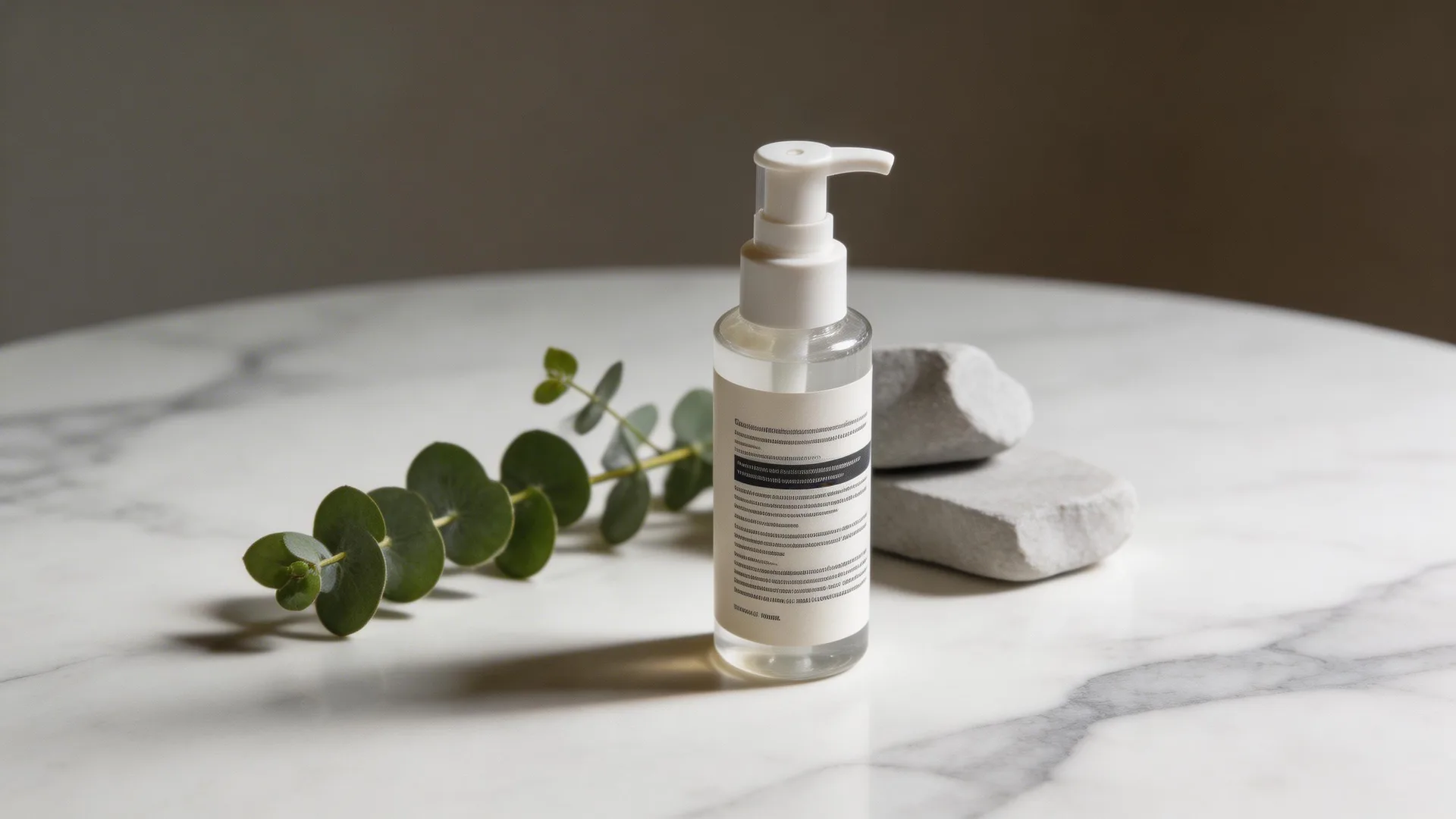
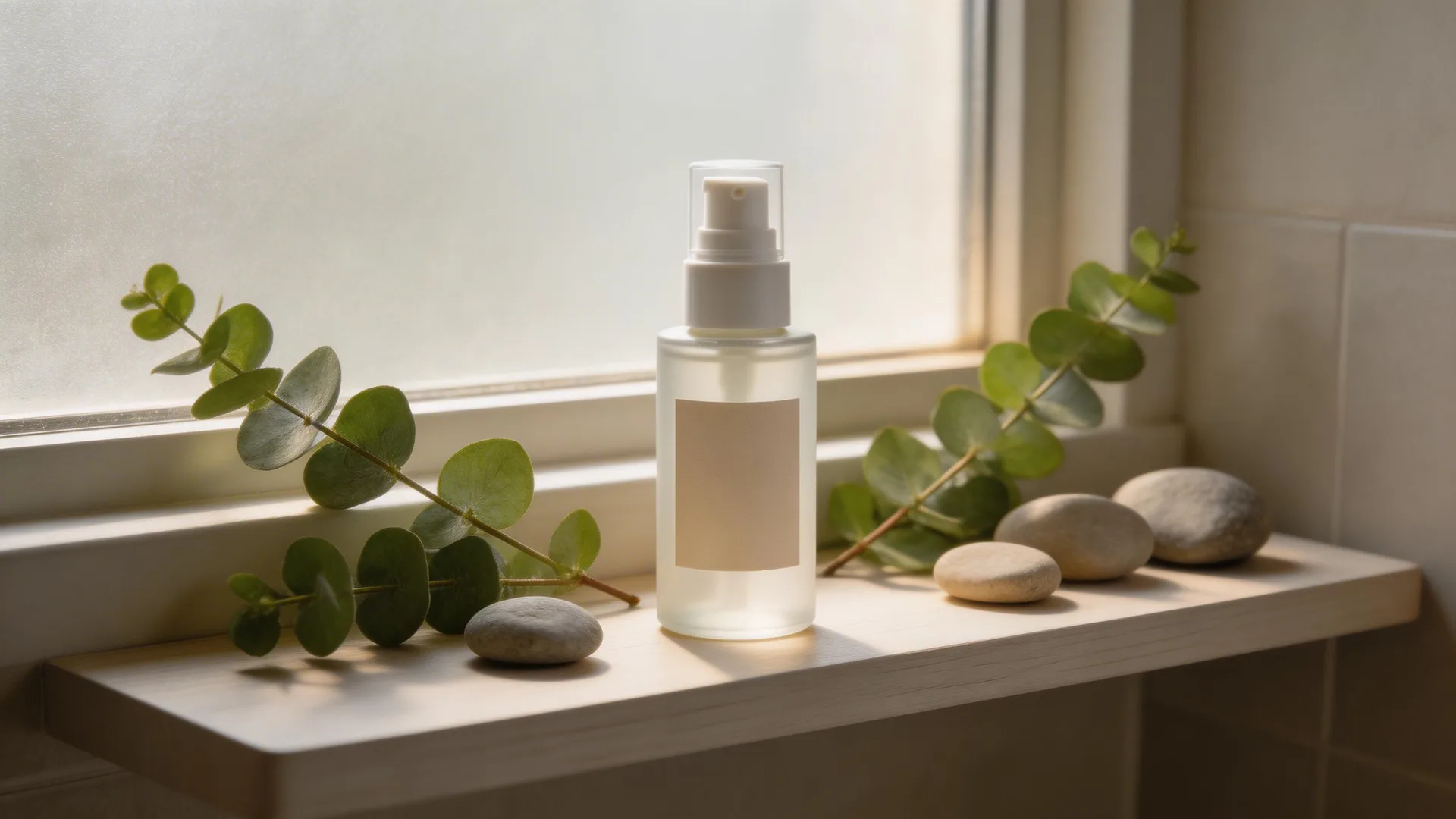
E-commerce conversion rates increase 30% with lifestyle imagery. Upload your product reference and prompt Seedream 5 to place it in context: 'Premium skincare bottle on a bathroom shelf with eucalyptus and soft morning light' or 'Running shoes on a forest trail with motion blur and dramatic lighting.' Seedream 5's intelligent composition understands spatial relationships — it knows the bottle should sit on the shelf, not float above it — producing natural, believable scenes.

Before

Skincare bottle on plain white background before Seedream 5 context editing

After

Product placed in lifestyle context with natural lighting and professional staging

Step 3: Create Platform-Specific Variants

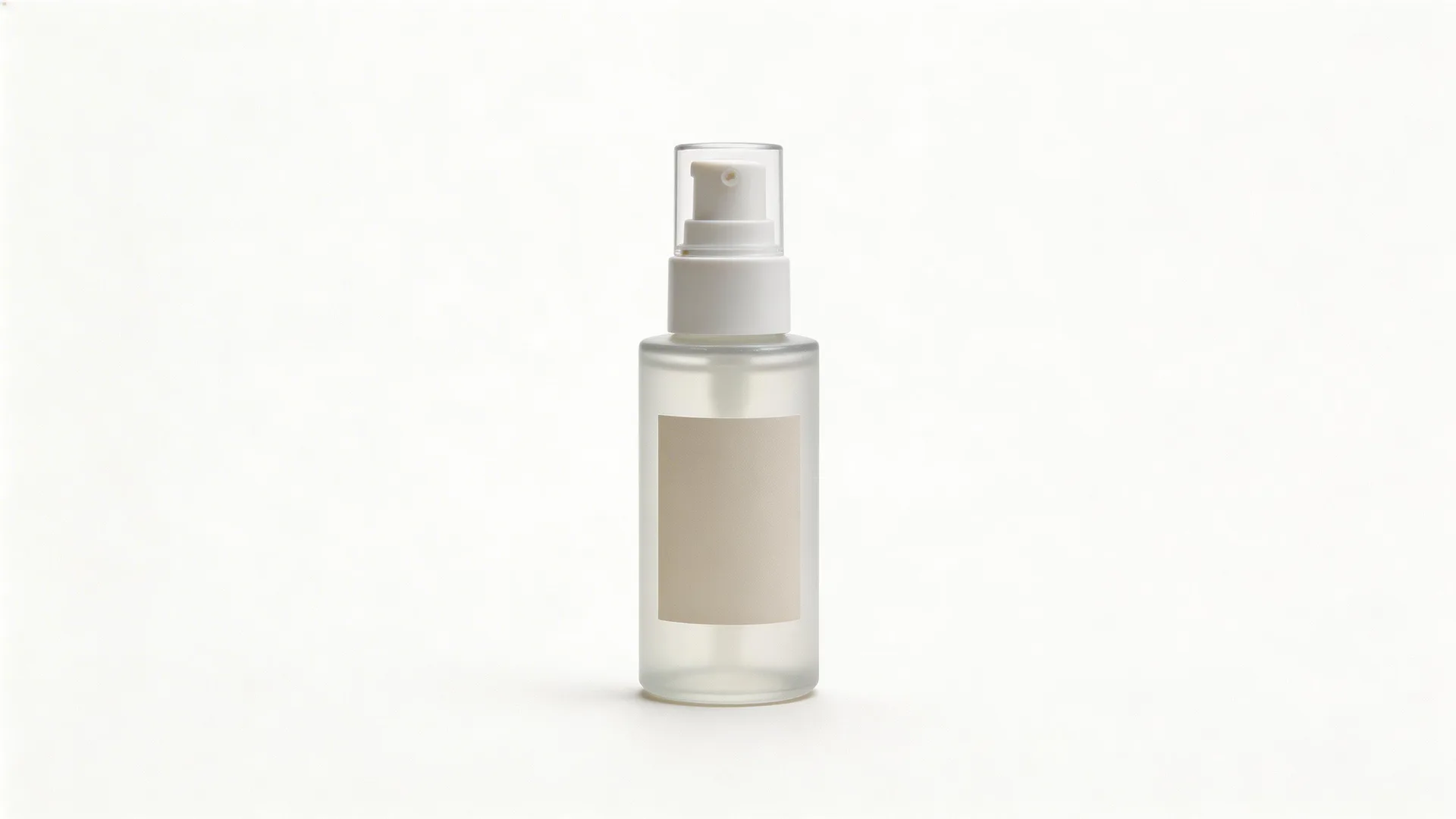
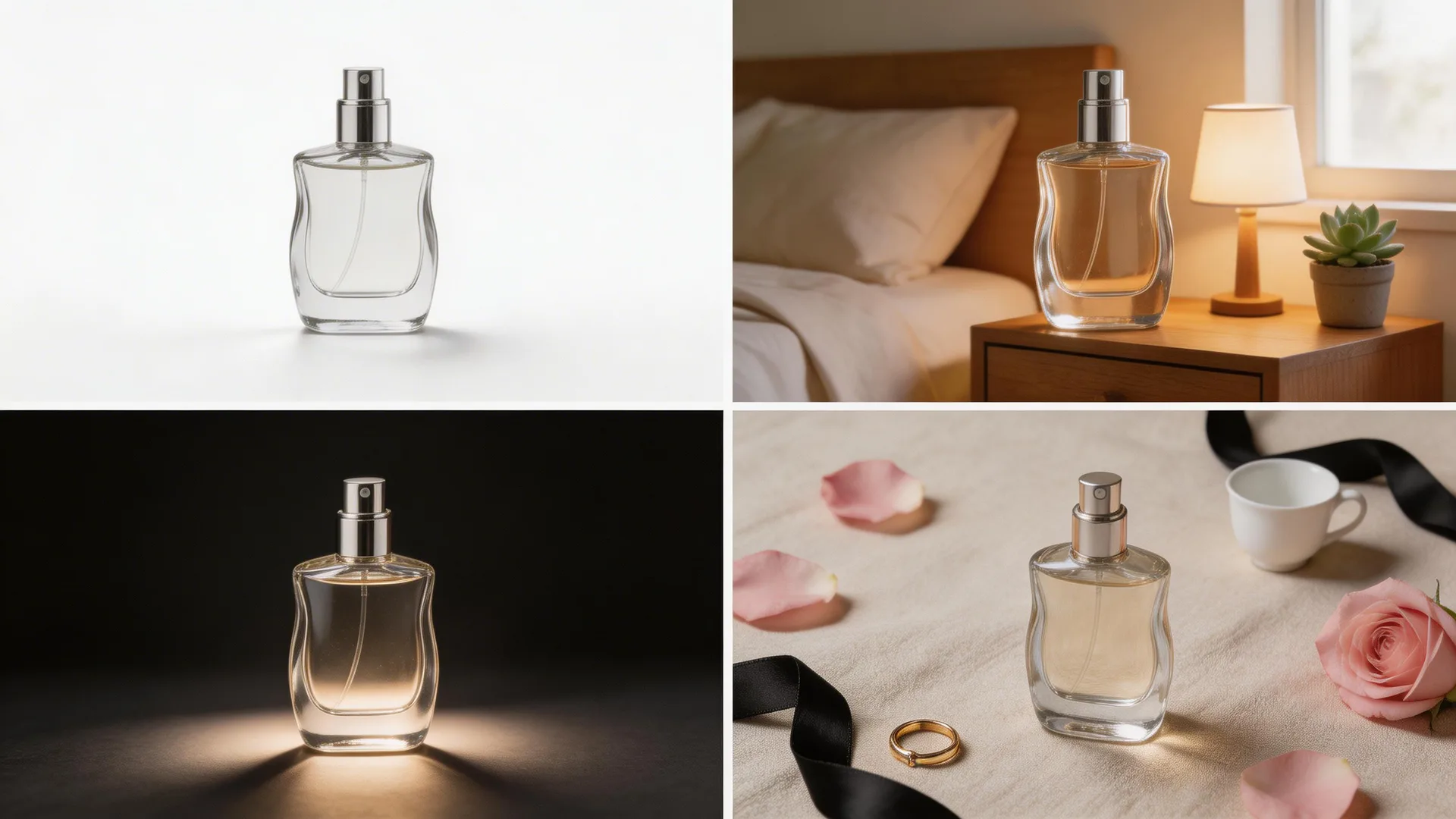
Generate variants optimized for each sales channel. Amazon requires white-background hero images — use text-to-image: 'Product on pure white background, studio lighting, no shadows, product photography.' For Instagram ads, use lifestyle shots with the 1:1 square ratio. For website hero banners, use 16:9 with the product as the focal point in a dramatic scene. Seedream 5's high-resolution output means you never lose quality when cropping for different platforms.

Multiple product photography variants for different e-commerce platforms
lightbulb

Pro Tips

  • 1.Include material descriptions in your prompts — 'matte finish aluminum,' 'frosted glass with condensation,' 'brushed stainless steel.' Seedream 5's reasoning engine renders materials accurately.
  • 2.For food and beverage products, describe the garnish and props: 'craft cocktail with ice sphere, rosemary sprig, copper jigger in background, moody bar lighting.' The details make it believable.
  • 3.Generate A/B test variants by changing just the background or lighting — same product, different mood. Test which converts better before committing to a full campaign.

Ready to try it yourself?

Start creating with Seedream 5. Get 75 free credits to begin — no credit card required.

Generate your product photos
AI Product Photography in Seconds (2026) | Seedream Studio